Customization
From the MEGA Wiki
Each Titan's colors and cosmetics can be changed in the lobby. Most cosmetics are unlocked through achievements.
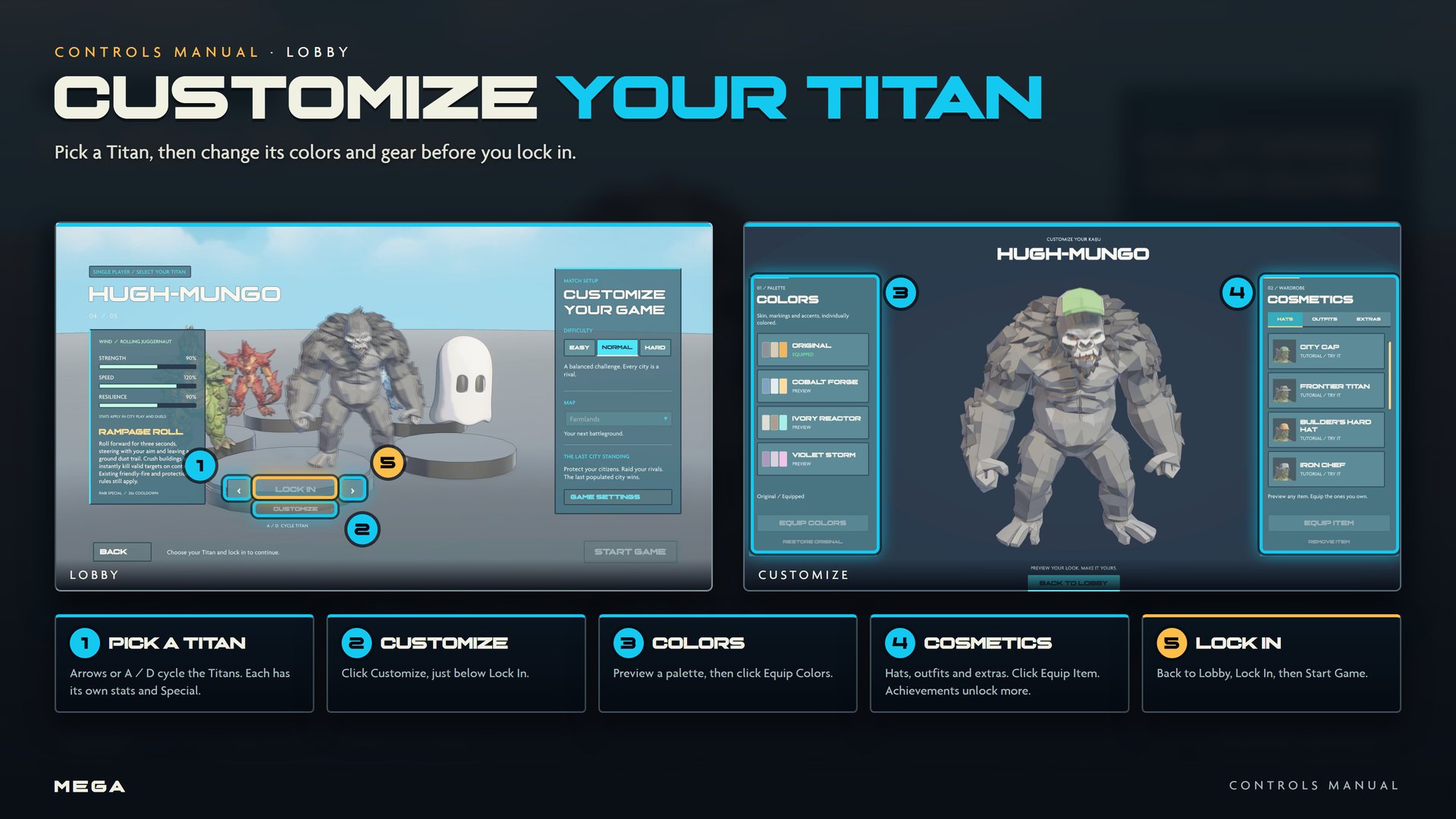
Customizing your Titan
- In the lobby, pick a Titan and click Customize (just below Lock In).
- Colors: click a palette to preview it, then Equip Colors. Restore Original brings back the default.
- Cosmetics: browse Hats, Outfits and Extras. Click Equip Item to wear one; Remove Item clears the slot. Locked items can be previewed but not equipped.
- Click Back to Lobby. Each Titan keeps its own look, in the city and in duels.
Equipping a head item, clothing and an accessory on one Titan earns Dressed for Impact.
| Titans | 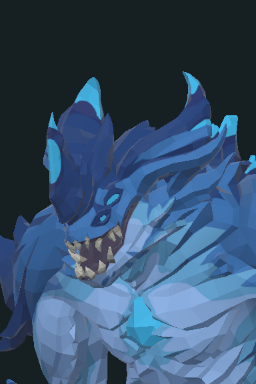 Reggie-Rufus · Reggie-Rufus · 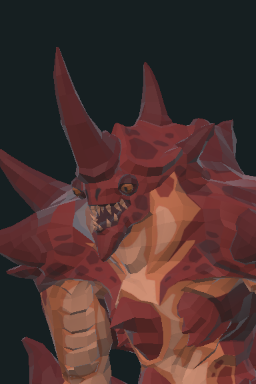 Fish-Monger · Fish-Monger · 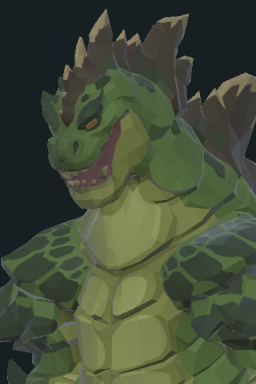 Baltha-Czar · Baltha-Czar · 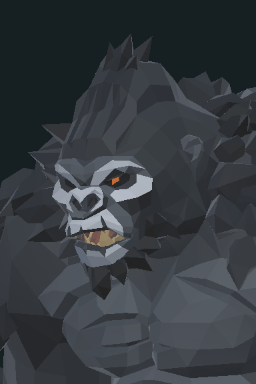 Hugh-Mungo · Hugh-Mungo ·  Bezi Bezi |
|---|---|
| Specials | Earthbreaker · Tidal surge · Furnace roar · Rampage roll · Code breath |
| Combat |  Moves · Moves ·  Duels · Duels ·  Leveling · Leveling ·  Elements Elements |
| Looks |  Customization · Customization · 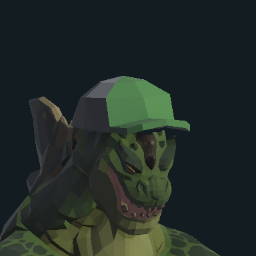 Cosmetics · Achievements Cosmetics · Achievements |