
Military
From the MEGA Wiki
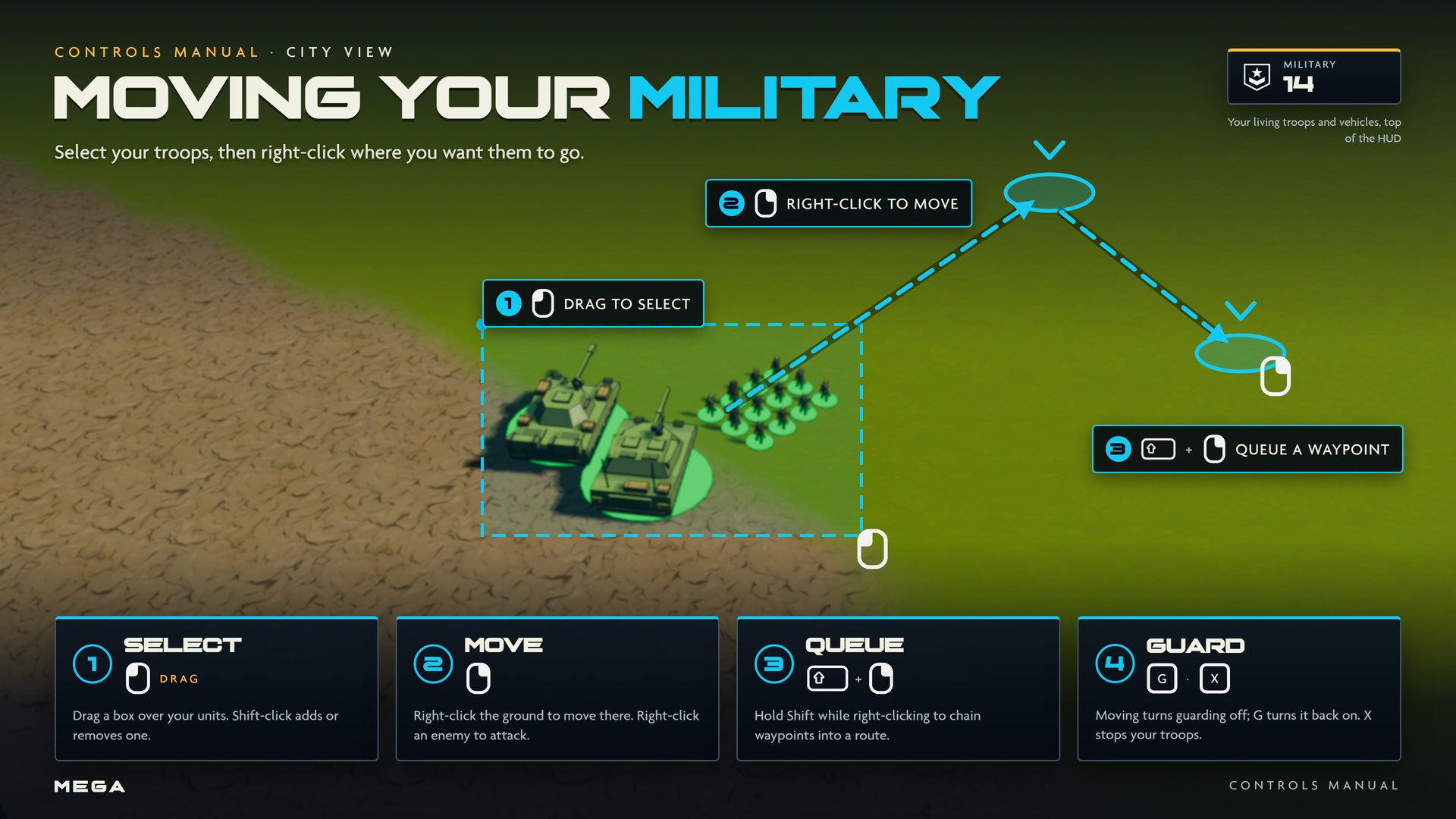
Your military defends your city and attacks rivals. Train troops, vehicles and helicopters at military buildings, then command them from City View. The Military counter on the HUD shows your living troops and vehicles, including passengers in transports.
Units
| Unit | Type | Trained at | Cost | Training | Health | Range |
|---|---|---|---|---|---|---|
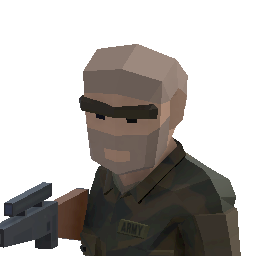 Ground Troop Ground Troop | Infantry | 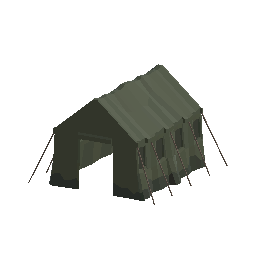 Barracks Barracks | 39 | 41 s | 80 | 60 m |
 Rockets Rockets | Infantry | Barracks | 22 | 23 s | 80 | 60 m |
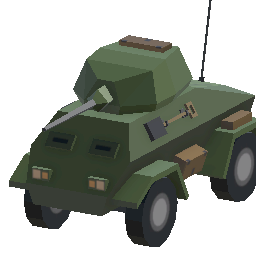 Armored Vehicle Armored Vehicle | Vehicle | 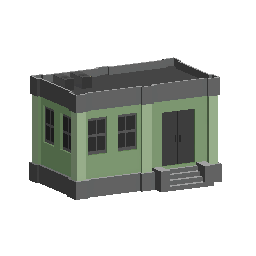 Military Shed Military Shed | 50 | 25 s | 180 | 85 m |
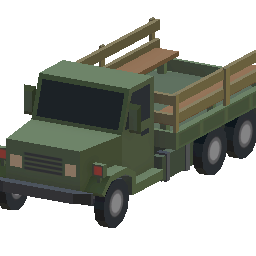 Transport Truck Transport Truck | Vehicle | Military Shed | 50 | 25 s | 180 | 85 m |
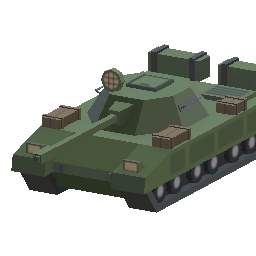 Heavy Tank Heavy Tank | Vehicle | Military Shed | 50 | 25 s | 180 | 85 m |
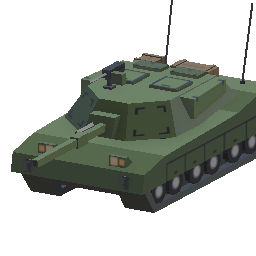 Tank Tank | Vehicle | Military Shed | 50 | 25 s | 180 | 85 m |
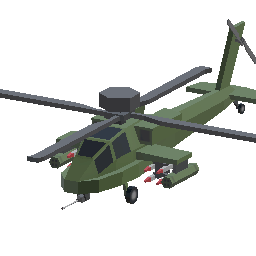 Helicopter Helicopter | Aircraft | 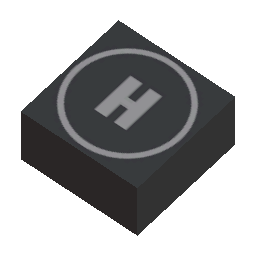 Helipad Helipad | 50 | 30 s | 140 | 105 m |
 Scouts and
  Gold Scavengers are also trained in your city, but they don't fight.
Unit limits
- Per building: each Barracks holds up to 8 units, each Military Shed 6 and each Helipad 5. Build more of them to train more.
- Per city: up to 48 ground units (troops and vehicles) and 30 helicopters.
Commanding
- Select: drag a box over your units with
 . If the box has no troops in it, it selects citizens instead.
  + adds or removes one.
 - Move or attack:
 the ground to move there, or an enemy to attack it.
 - Queue: hold while right-clicking to chain waypoints into a route.
- Guard: combat troops guard your city by default. A manual order turns guarding off; press G to turn it back on. X stops your troops.
- Groups: CTRL + 1 saves a control group; press the number again to reselect it.
City defenses
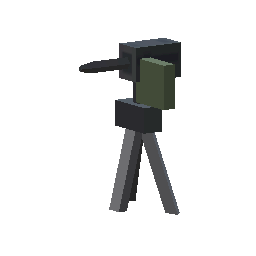 Defense Tower (130): fires at hostile Titans within 110 m.
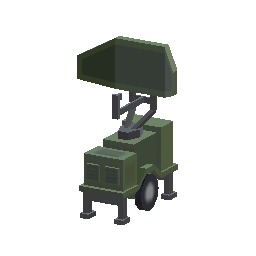 Mobile Radar (120): detects hostile Titans within 340 m and warns your citizens and defenders.
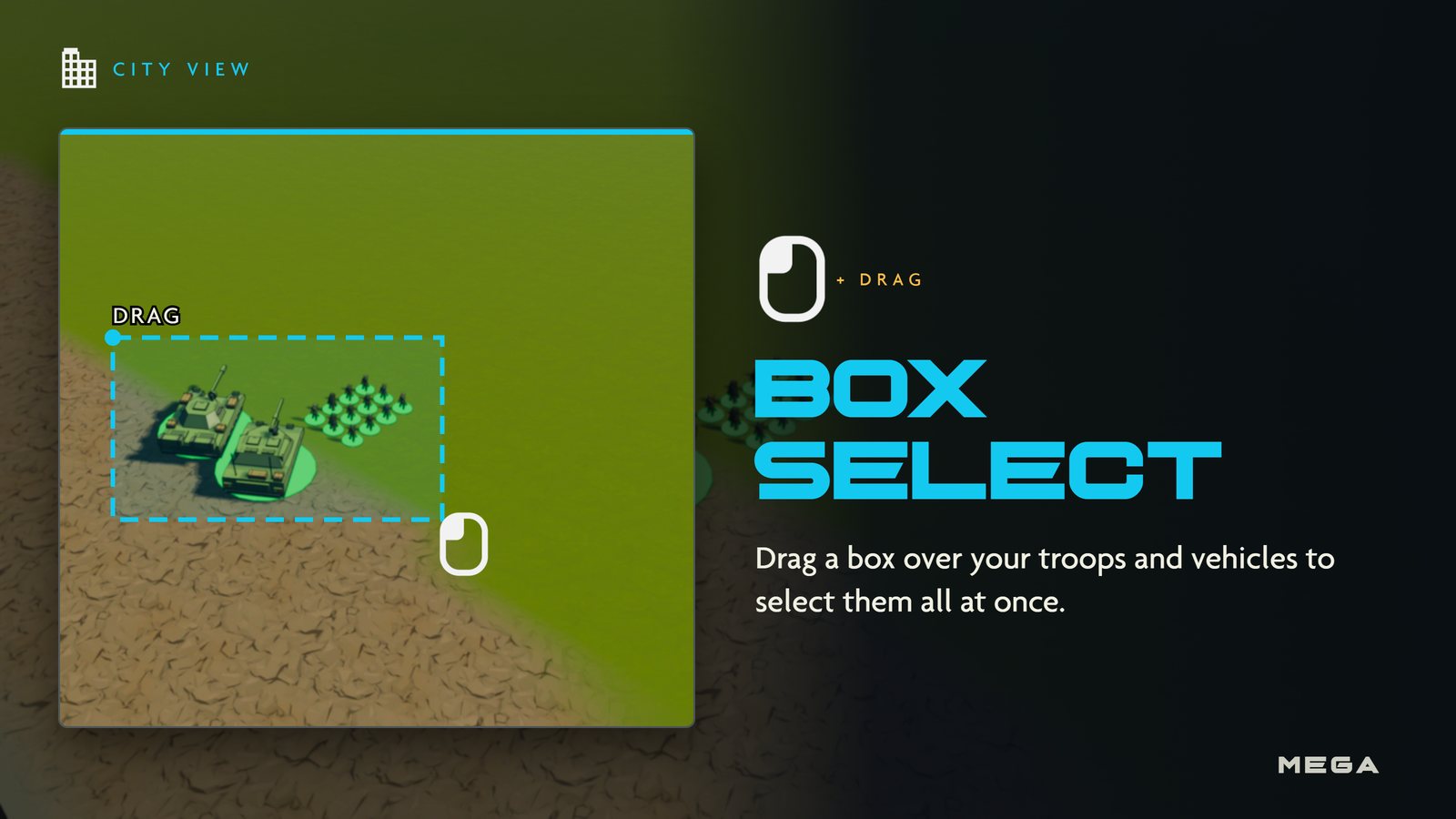
Box select
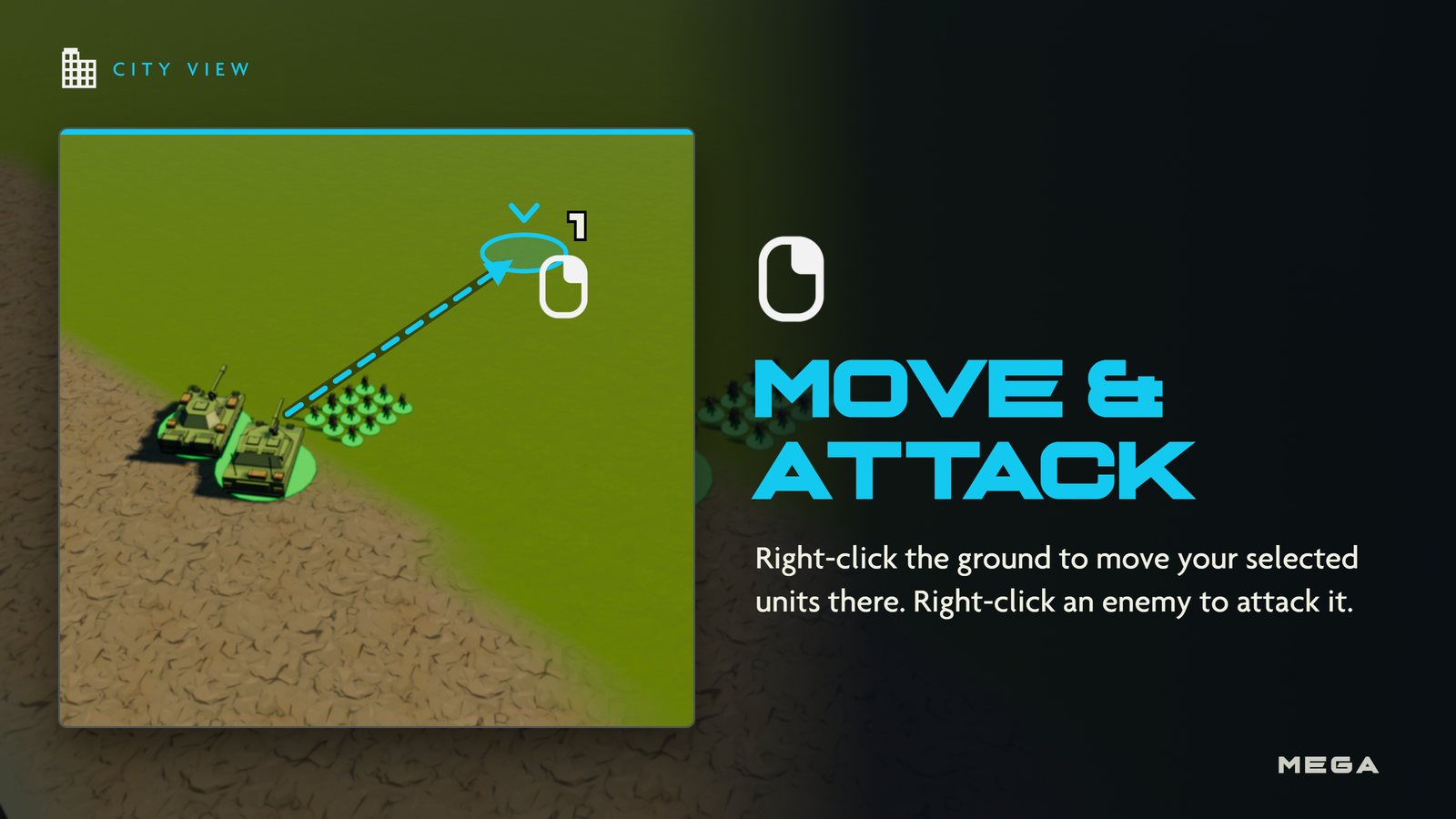
Move
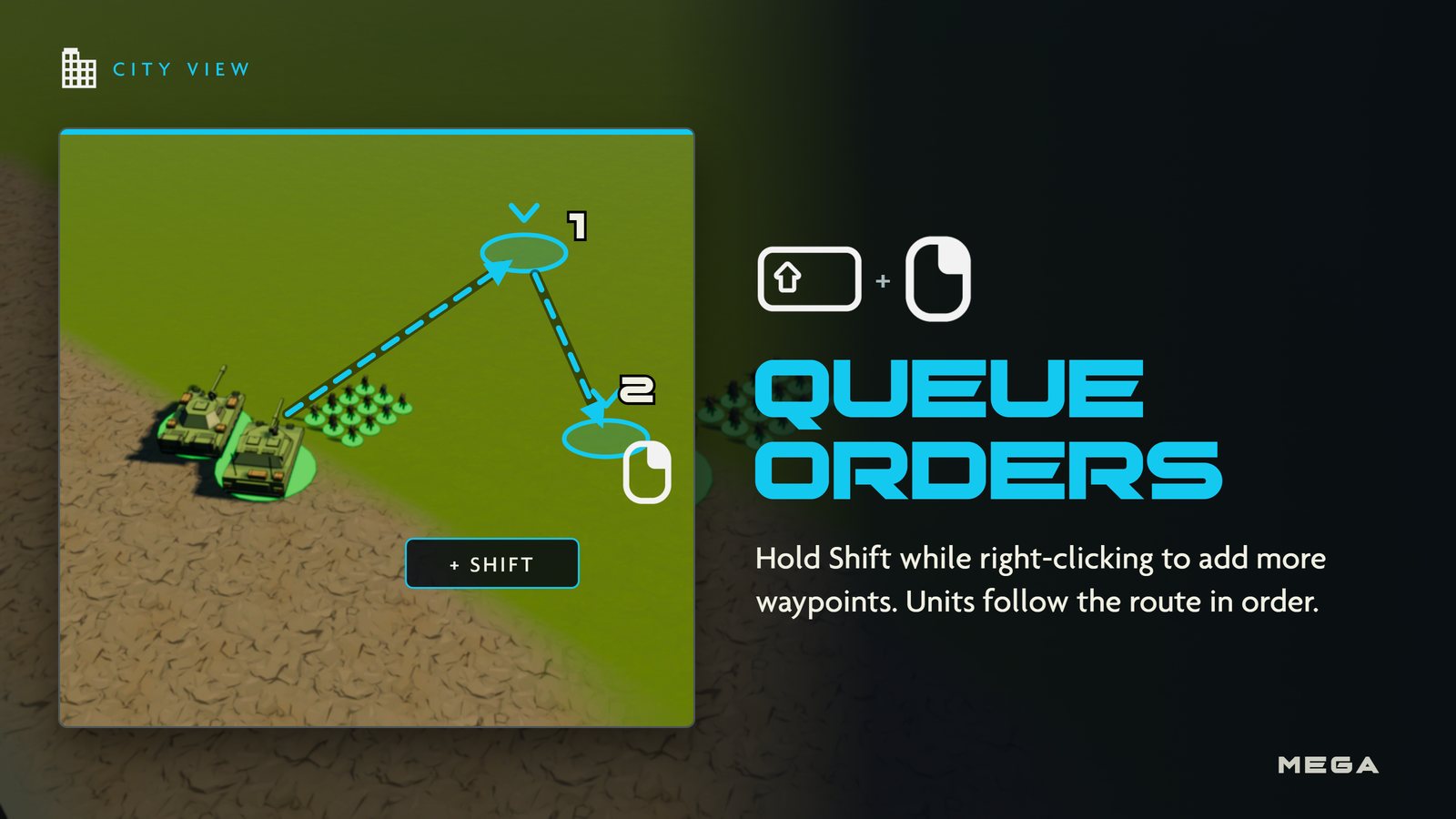
Queue waypoints
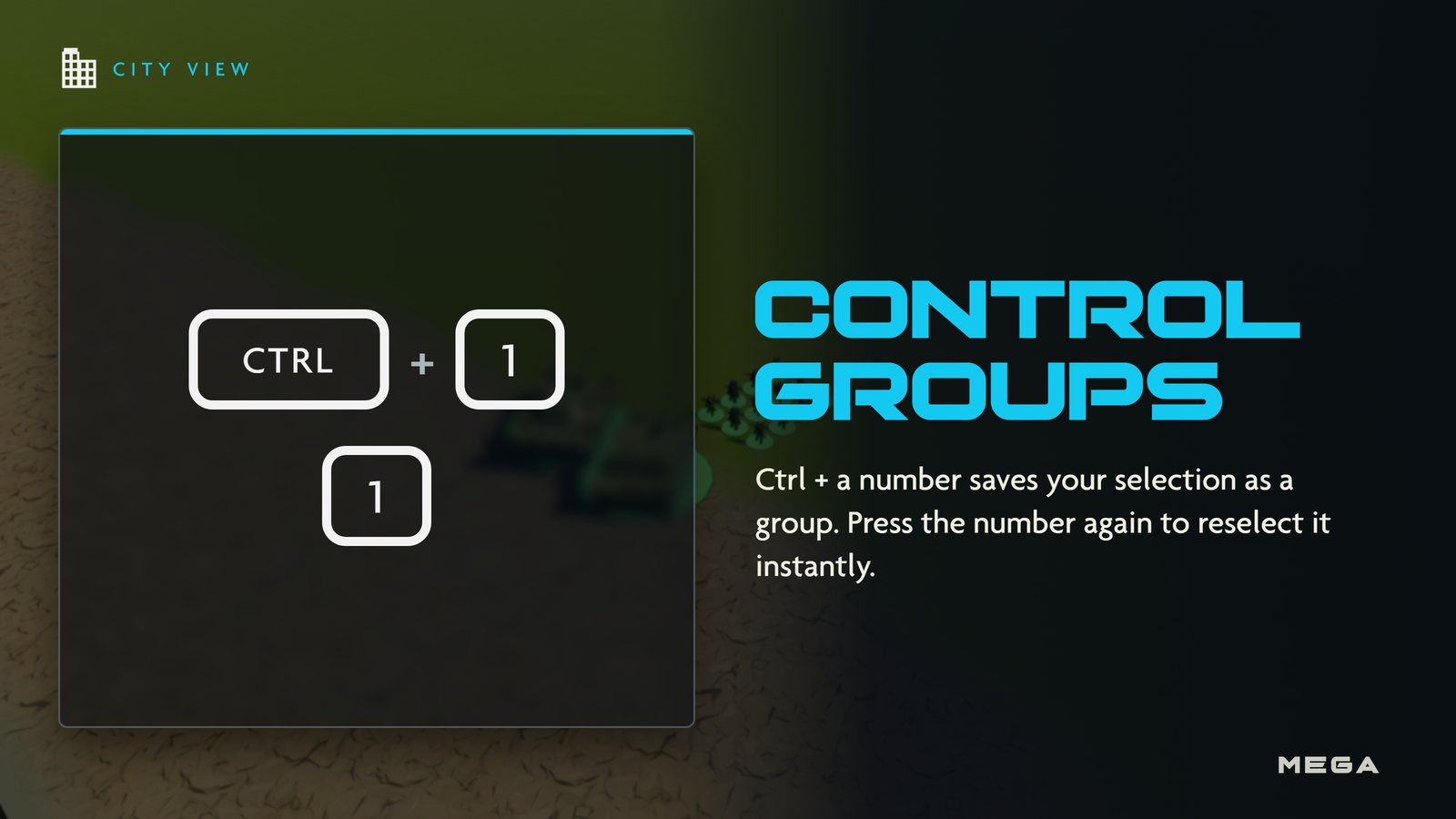
Control groups
| Infantry | Ground Troop · Rockets |
|---|---|
| Vehicles | Armored Vehicle · Transport Truck · Heavy Tank · Tank |
| Aircraft | Helicopter |
| Couriers | Scout · Gold Scavenger |
| Trained at | Barracks · Military Shed · Helipad · 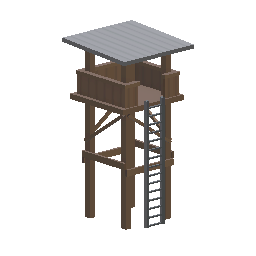 Scout Post · Scout Post · 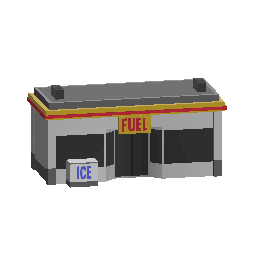 Gold Scavenger Station Gold Scavenger Station |