Basics
Controls
Keyboard and mouse controls for every view. You can rebind keys in Pause › Controls.
Any view
| Input | Action | What it does |
|---|---|---|
 | Switch view | City View ⇄ Siege View. |
 | Build View | Enter or leave Build View. |
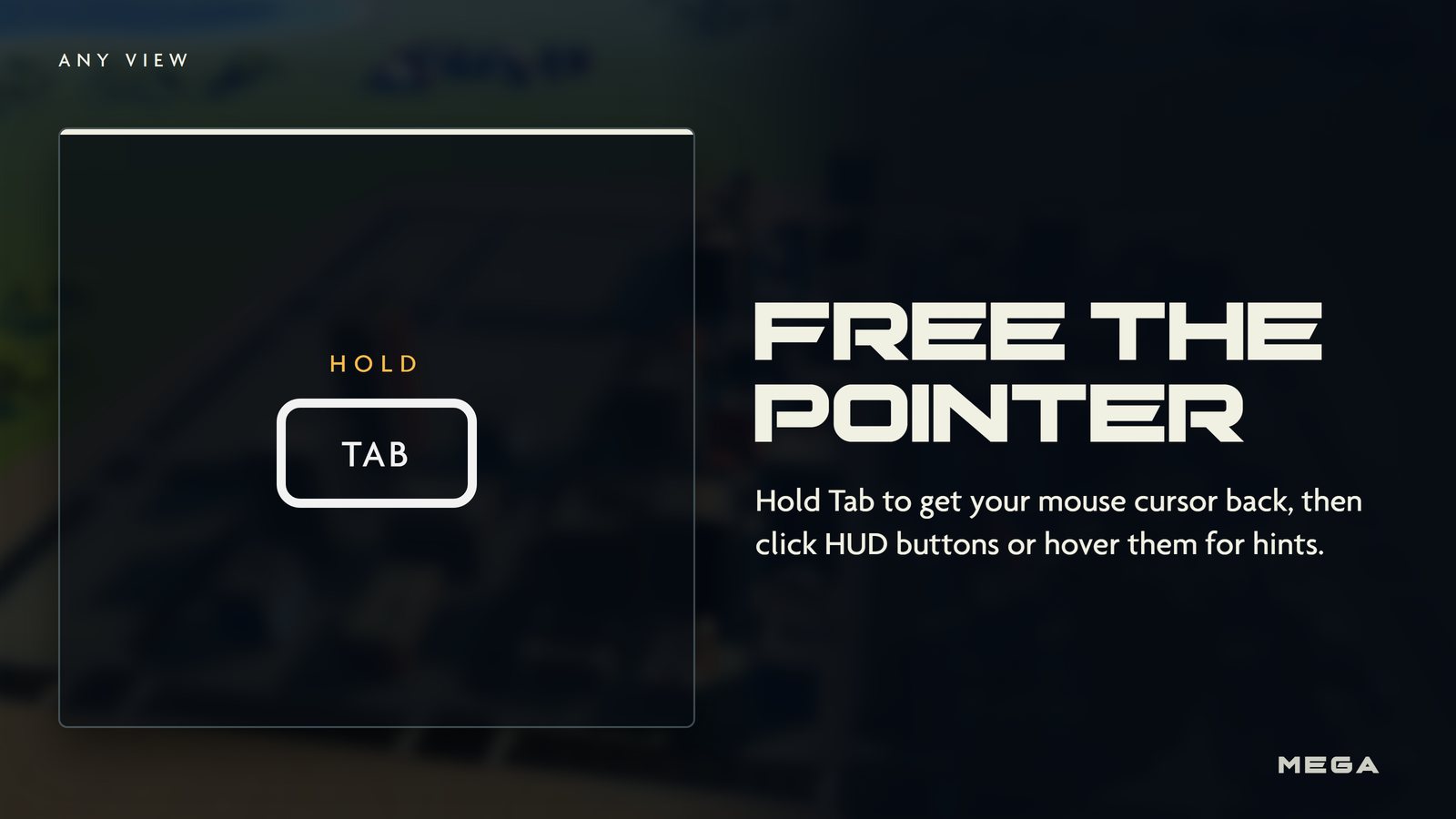
| TAB | Free the pointer | Hold to get your mouse back and inspect the HUD. |
| M | World map | Open the large map. Press again to close. |
| P | Pause | Settings, audio, video and key rebinding. |
| ENTER | Chat | Message other players (online). |
| V | Push to talk | Hold to speak in voice chat. |
Siege View (your Titan)
| Input | Action | What it does |
|---|---|---|
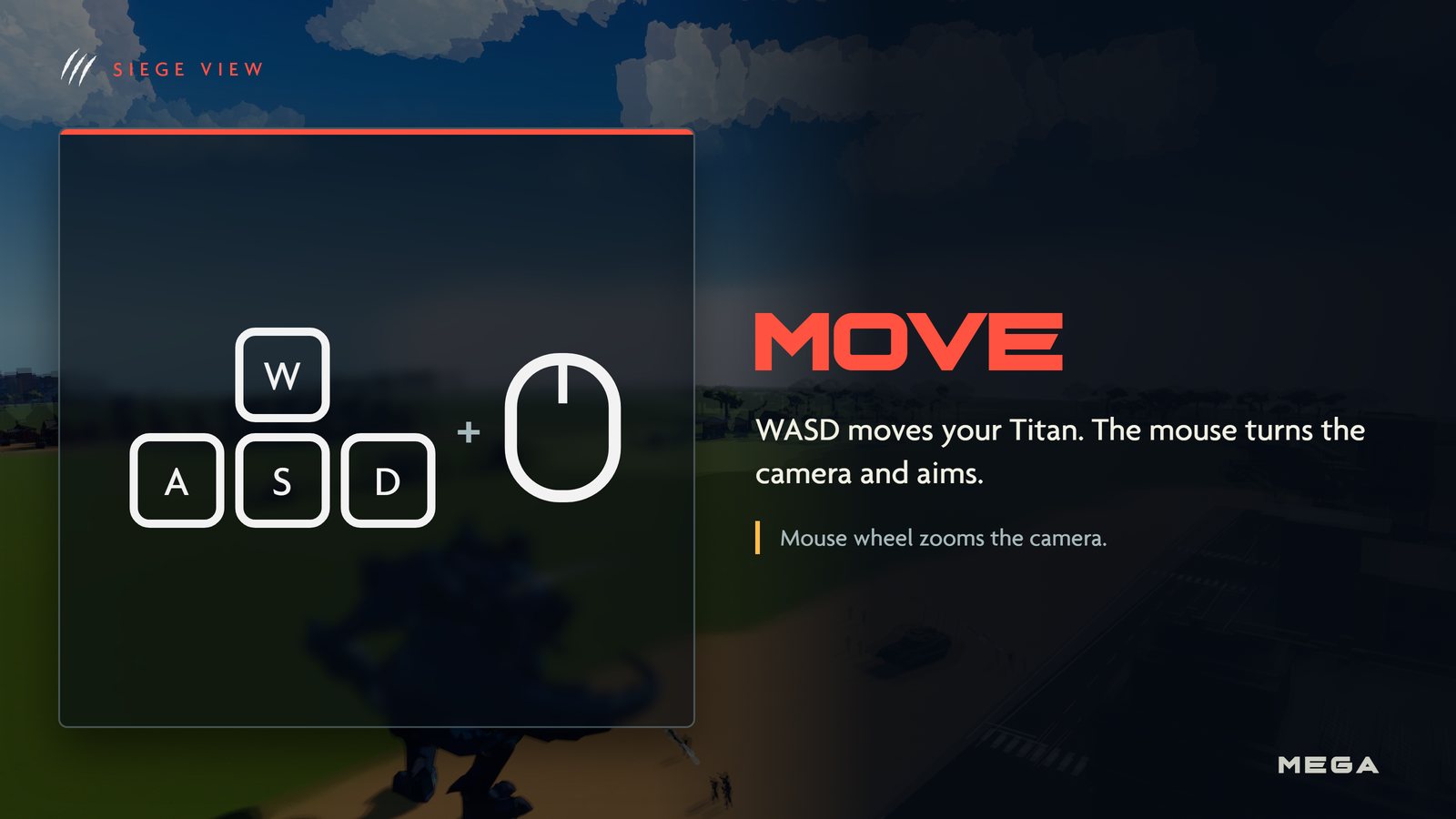
| WASD | Move | Mouse turns the camera and aims. Wheel zooms. |
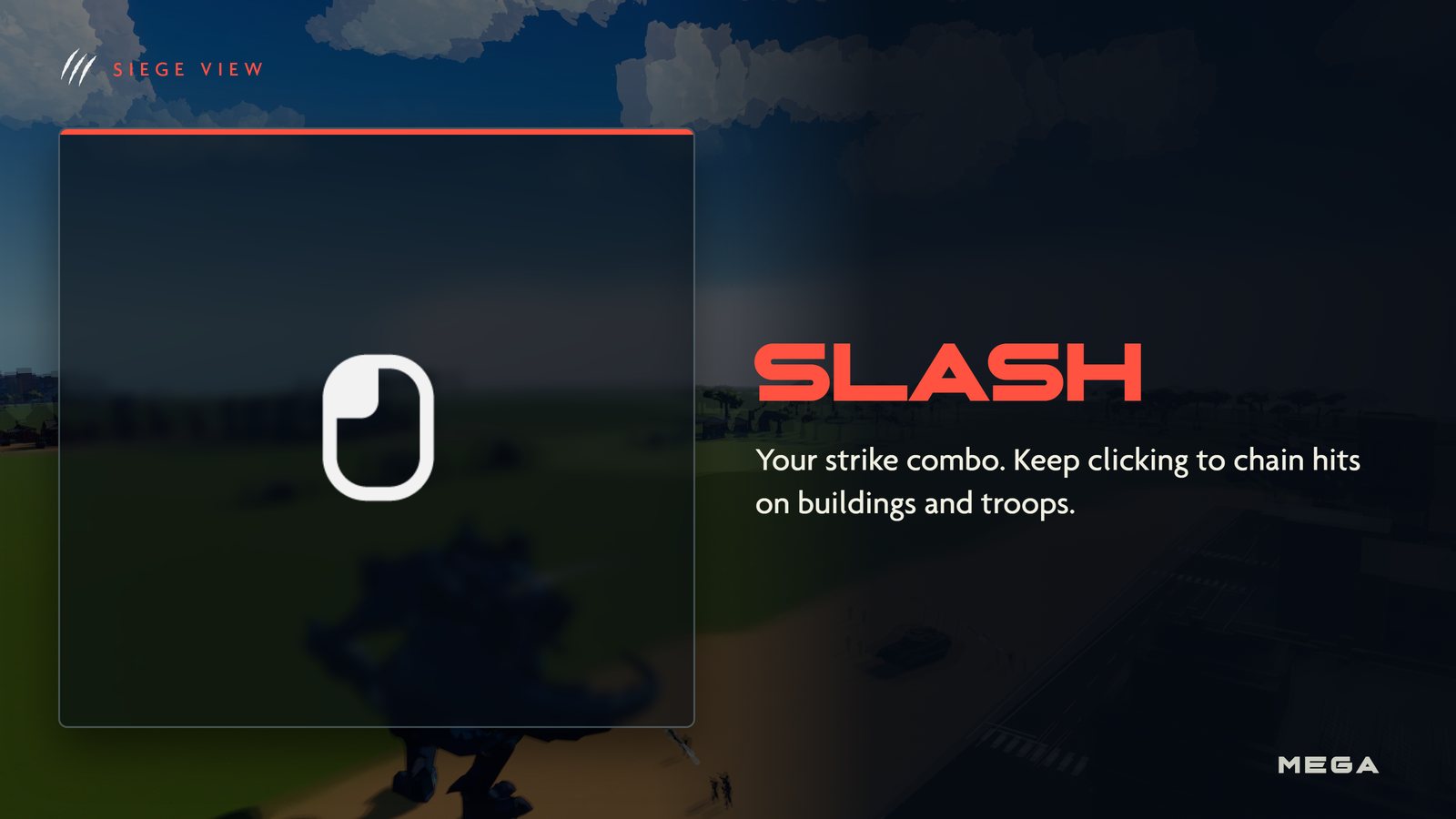
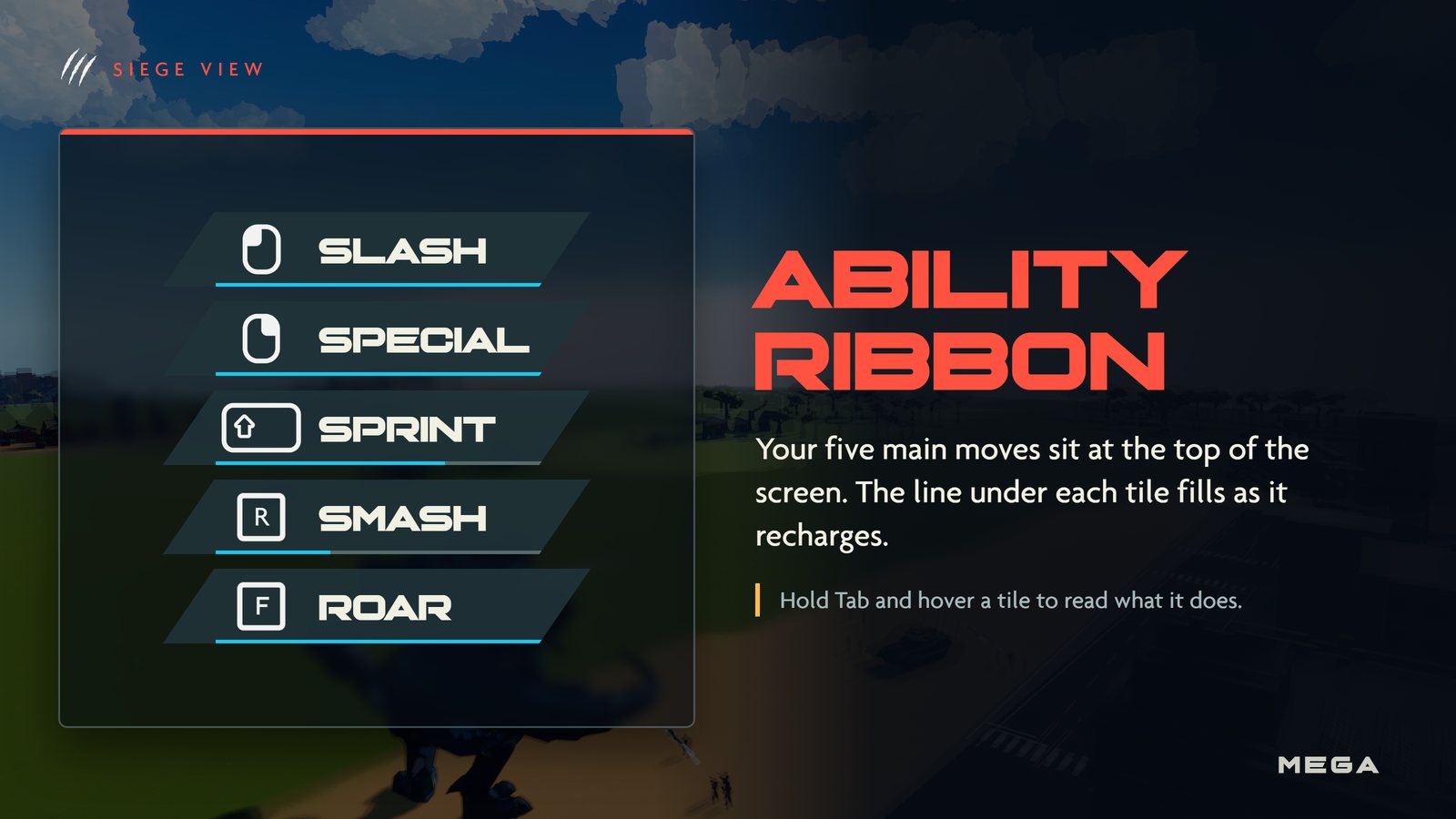
 | Slash | Strike combo. Keep clicking to chain hits. |
 | Special | Your Titan's elemental attack. Some need a second click to confirm. |
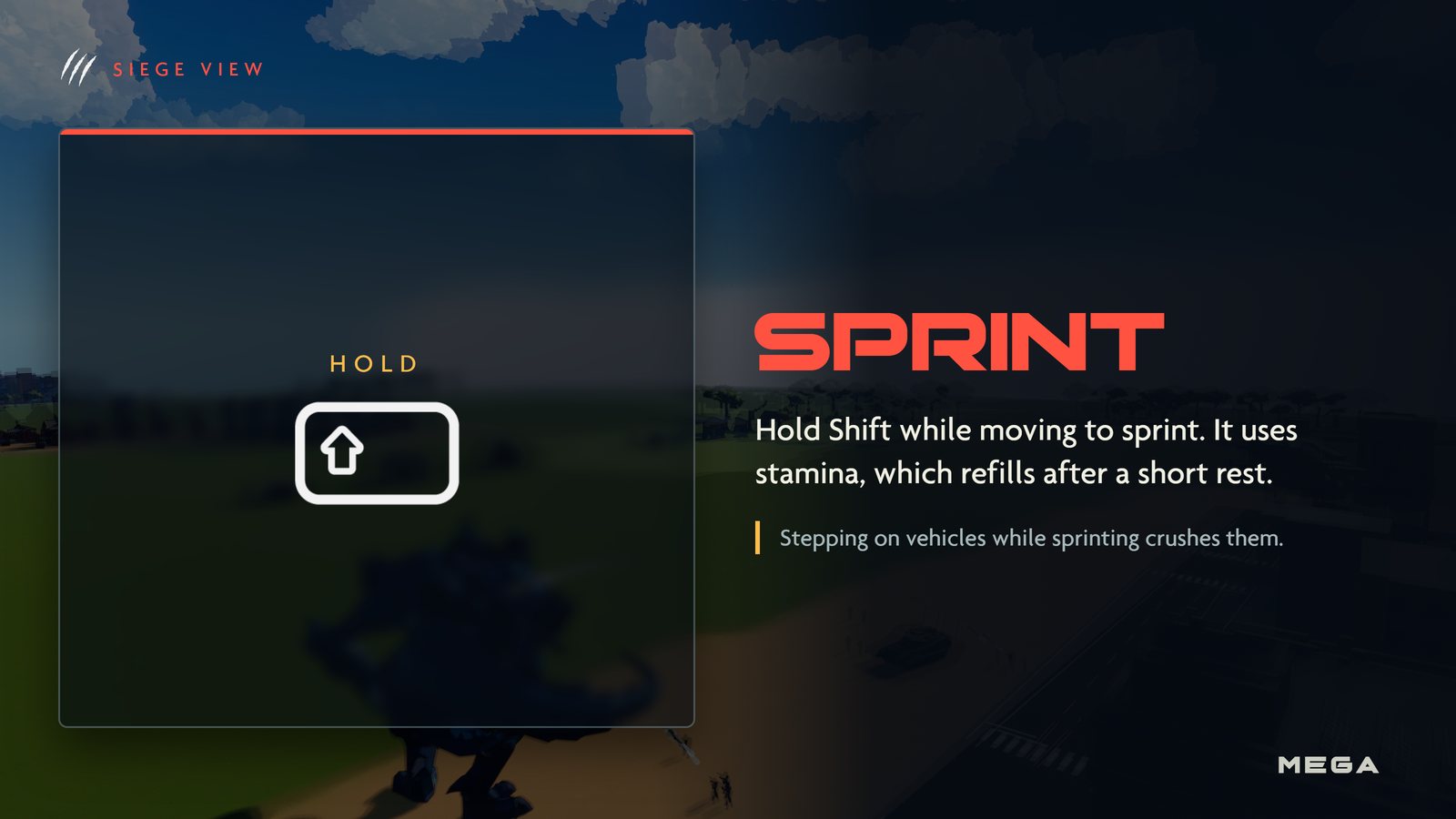
 | Sprint | Hold while moving. Uses stamina. Stepping on vehicles crushes them. |
 | Smash | Seismic slam: a shockwave through every nearby building. |
 | Roar | Sonic blast ahead: panics troops and knocks helicopters out of the sky. |
Build View
| Input | Action | What it does |
|---|---|---|
| WASD | Move | Mouse to look. Shift or Ctrl to sprint, Space to jump. |
| Place | Build the selected building. Hold to keep placing. |
| Break | Hold to take down a building you're aiming at. |
| Rotate | Turn the building before placing it. |
| 1 / 8 | Pick a building | Choose a hotbar slot, or scroll the mouse wheel. |
| E | Inventory | Drag buildings between storage and your hotbar. Shift-click to transfer. |
City View
| Input | Action | What it does |
|---|---|---|
| WASD | Pan | Or push the mouse to the screen edge. Hold Shift to pan faster. |
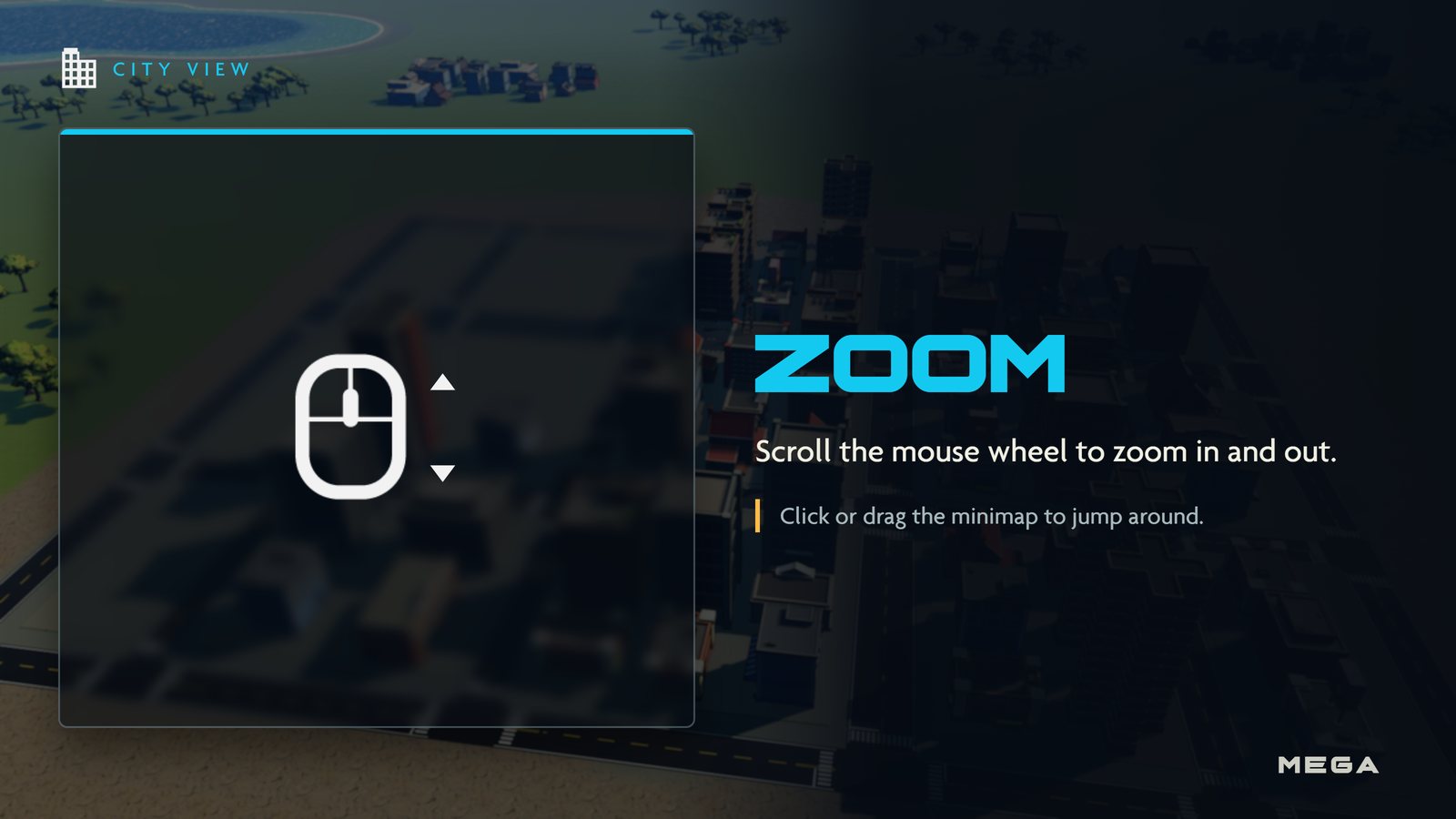
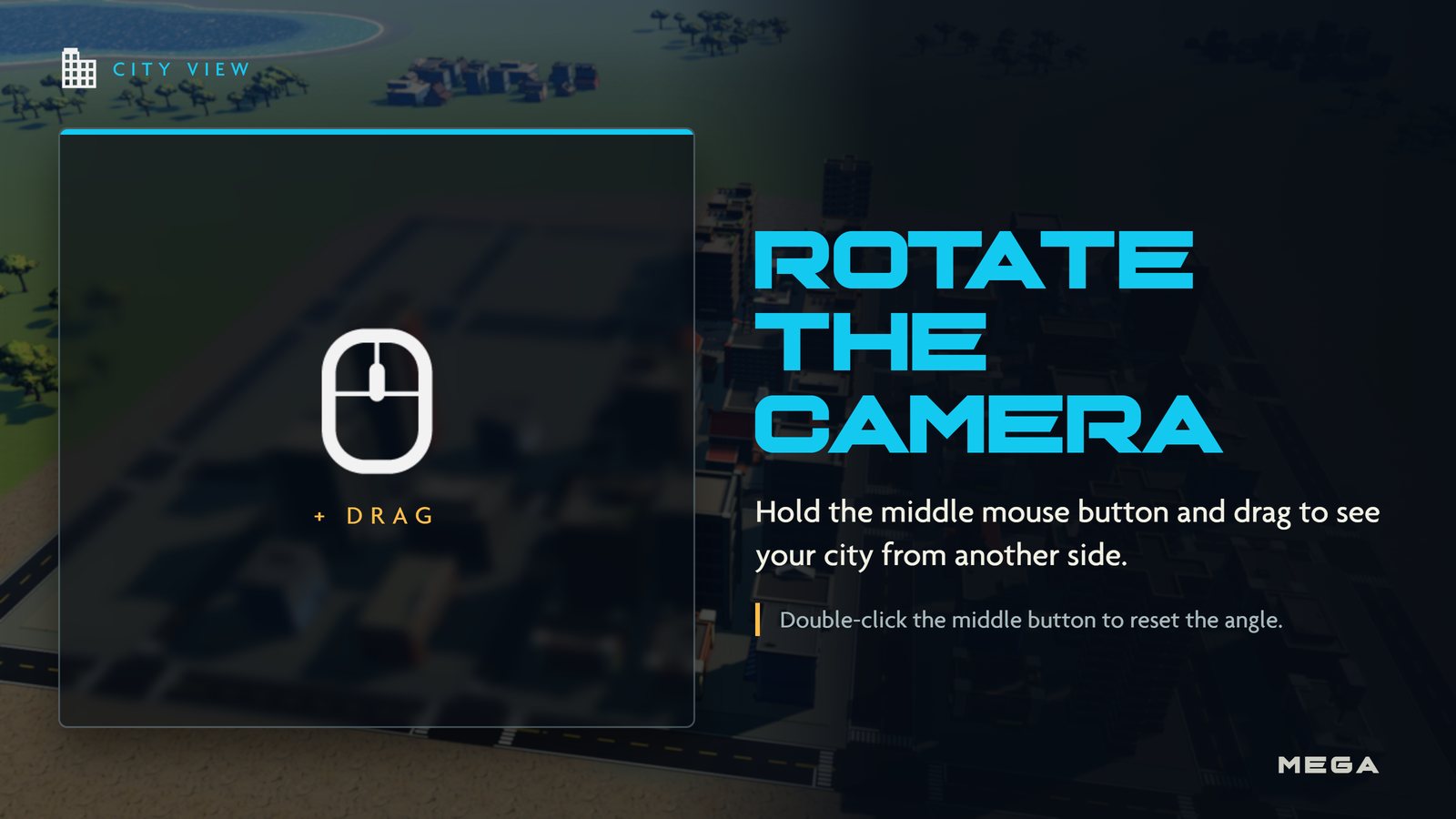
 | Rotate camera | Hold and drag. Double-click to reset the angle. Wheel zooms. |
| HOME | Recenter | Snap the camera back to your Titan. |
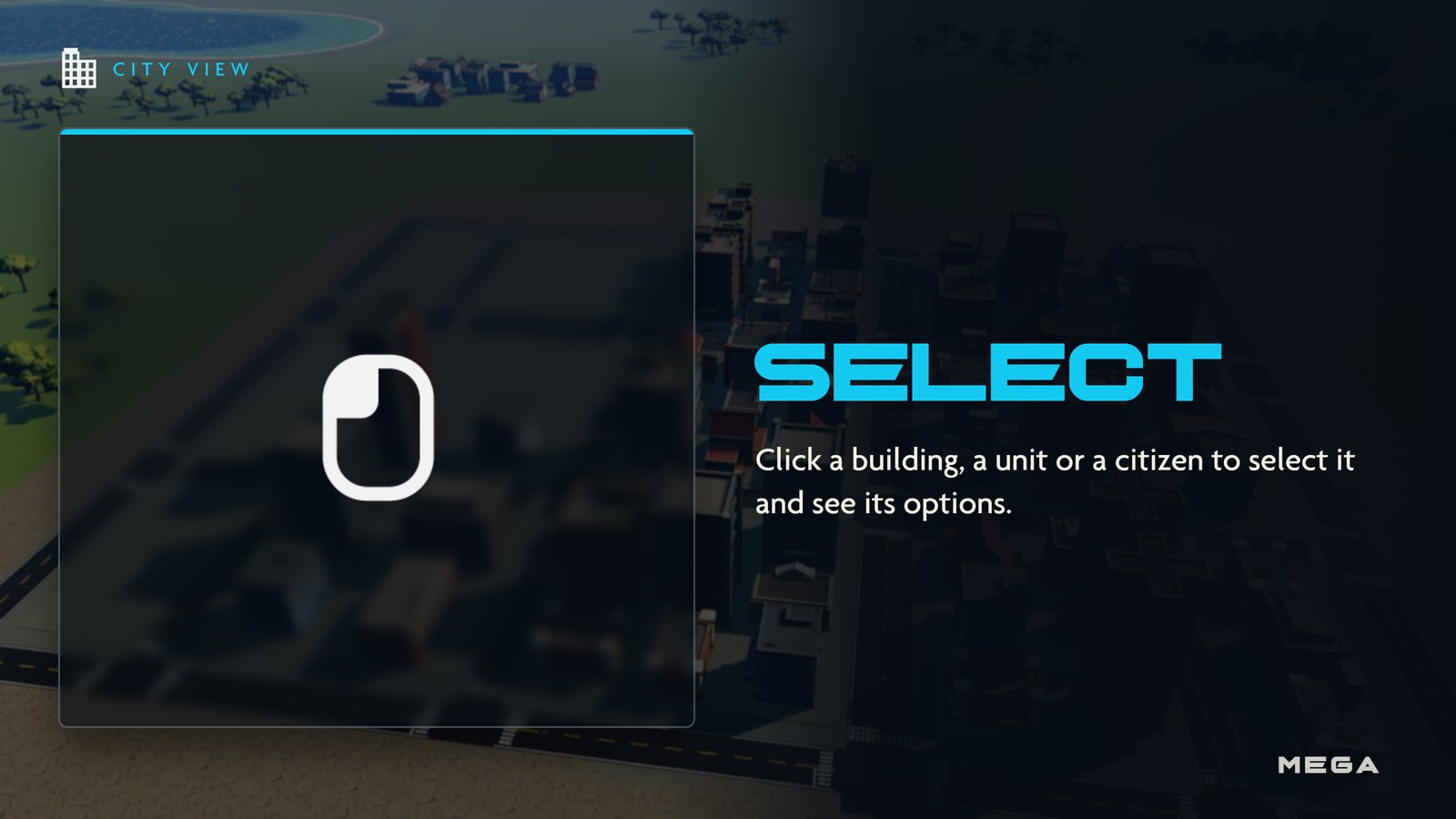
| Select | Click a building, unit or citizen. Drag a box to select troops. |
| + | Add / remove | Change the current selection. |
| Move / attack | Right-click the ground to move, an enemy to attack. |
| + | Queue | Add waypoints to a route. |
| G | Guard | Turn guarding back on after a manual order. |
| X | Stop | Halt troops, hold a Gold Scavenger or let citizens resume work. |
| H | Shelter | Send citizens into shelters. |
| CTRL + 1 | Save group | Press the number again to reselect the group. |
Rival duels
See Rival Duels for the duel controls.
Picture guide
One image per control, made from the game's own HUD icons. Click any image to open it full size.