Basics
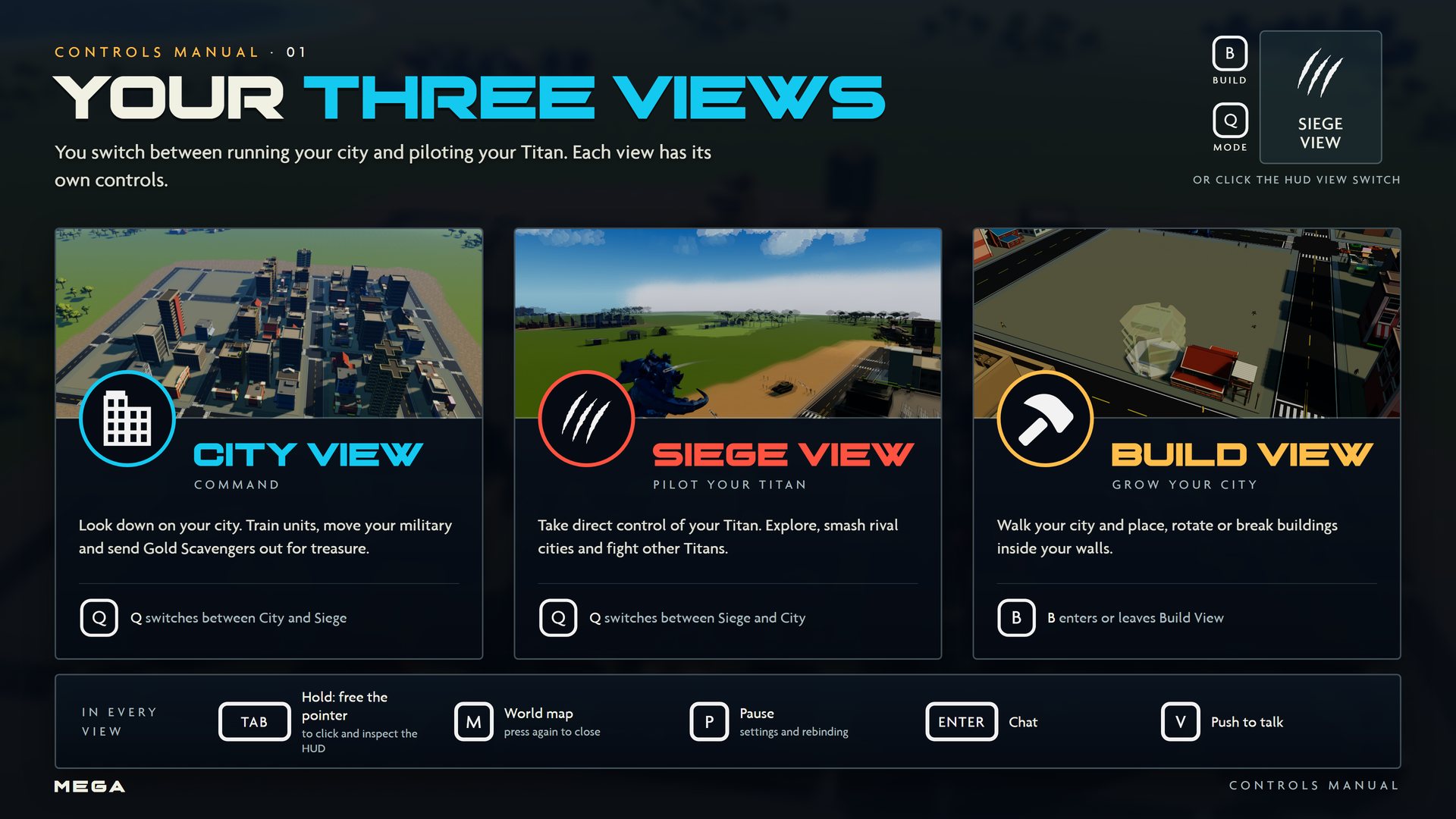
The Three Views
You switch between running your city and piloting your Titan.
City View
An overhead view of your city. Train units, move your military, shelter citizens and send Gold Scavengers out for treasure.  switches between City and Siege View.
Siege View
Take direct control of your Titan in third person. Explore, smash rival cities and fight other Titans. Your five main moves sit in the ability ribbon at the top of the screen.
Build View
Walk your city and place, rotate or break buildings. Press  to enter or leave Build View from any view.
The view switch
You can also click the view switch in the bottom-right corner of the HUD. It shows your current view and the and keys.