
Your City
Military
Train troops, vehicles and helicopters, then command them from City View.
Units
Select a finished military building in City View, then click a unit portrait to buy it. Watch the queue above the selection panel until it deploys. Clicking a queued portrait cancels it and refunds the cost.
| Unit | Trained at | Cost | Training | Health | Notes |
|---|---|---|---|---|---|
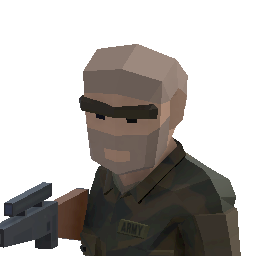 Ground Troop Ground Troop | Barracks | 39 | 41 s | 80 | |
 Rockets Rockets | Barracks | 22 | 23 s | 80 | |
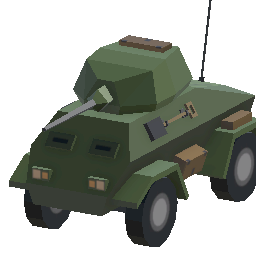 Armored Vehicle Armored Vehicle | Military Shed | 50 | 25 s | 180 | |
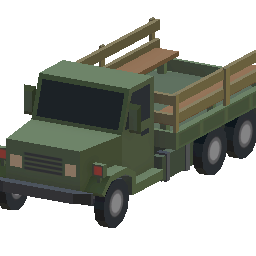 Transport Truck Transport Truck | Military Shed | 50 | 25 s | 180 | Carries soldiers. Can't fight. |
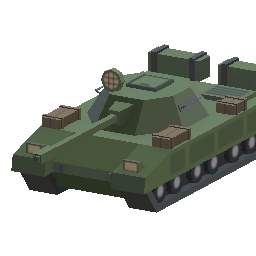 Heavy Tank Heavy Tank | Military Shed | 50 | 25 s | 180 | |
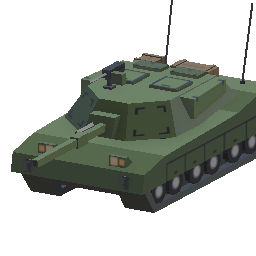 Tank Tank | Military Shed | 50 | 25 s | 180 | |
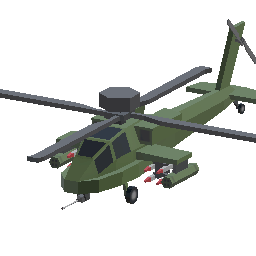 Helicopter Helicopter | Helipad | 50 | 30 s | 140 | Its fire suppresses hostile Titans. |
Unit limits
- Per building: each Barracks holds up to 8 units, each Military Shed 6 and each Helipad 5. Build more of them to train more.
- Per city: up to 48 ground units (troops and vehicles) and 30 helicopters.
The Military counter on the HUD shows your living troops and vehicles, including passengers in transports.
Moving your military
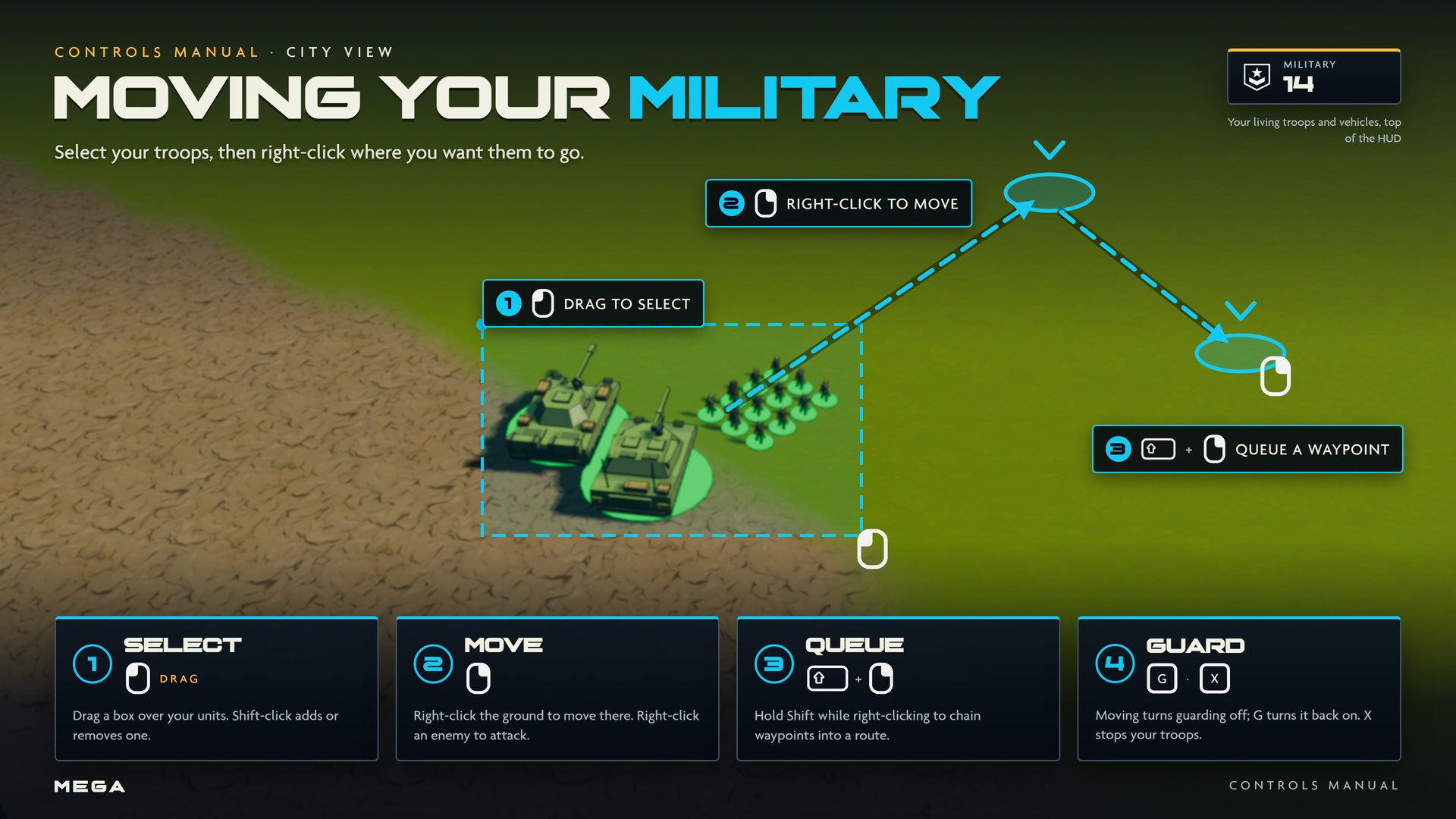
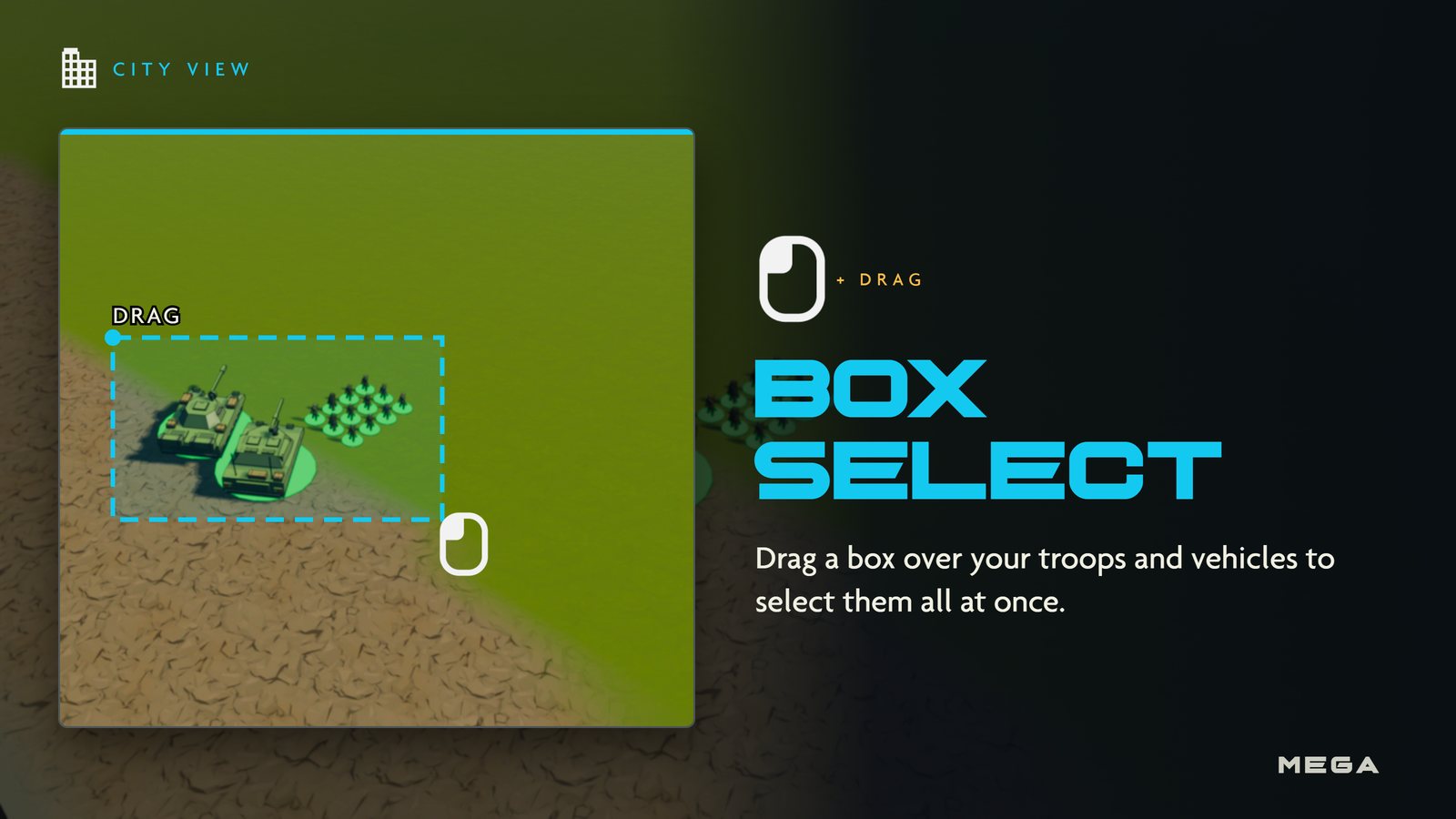
- Select: drag a box over your units with
 . If the box has no troops in it, it selects citizens instead.
  + adds or removes one.
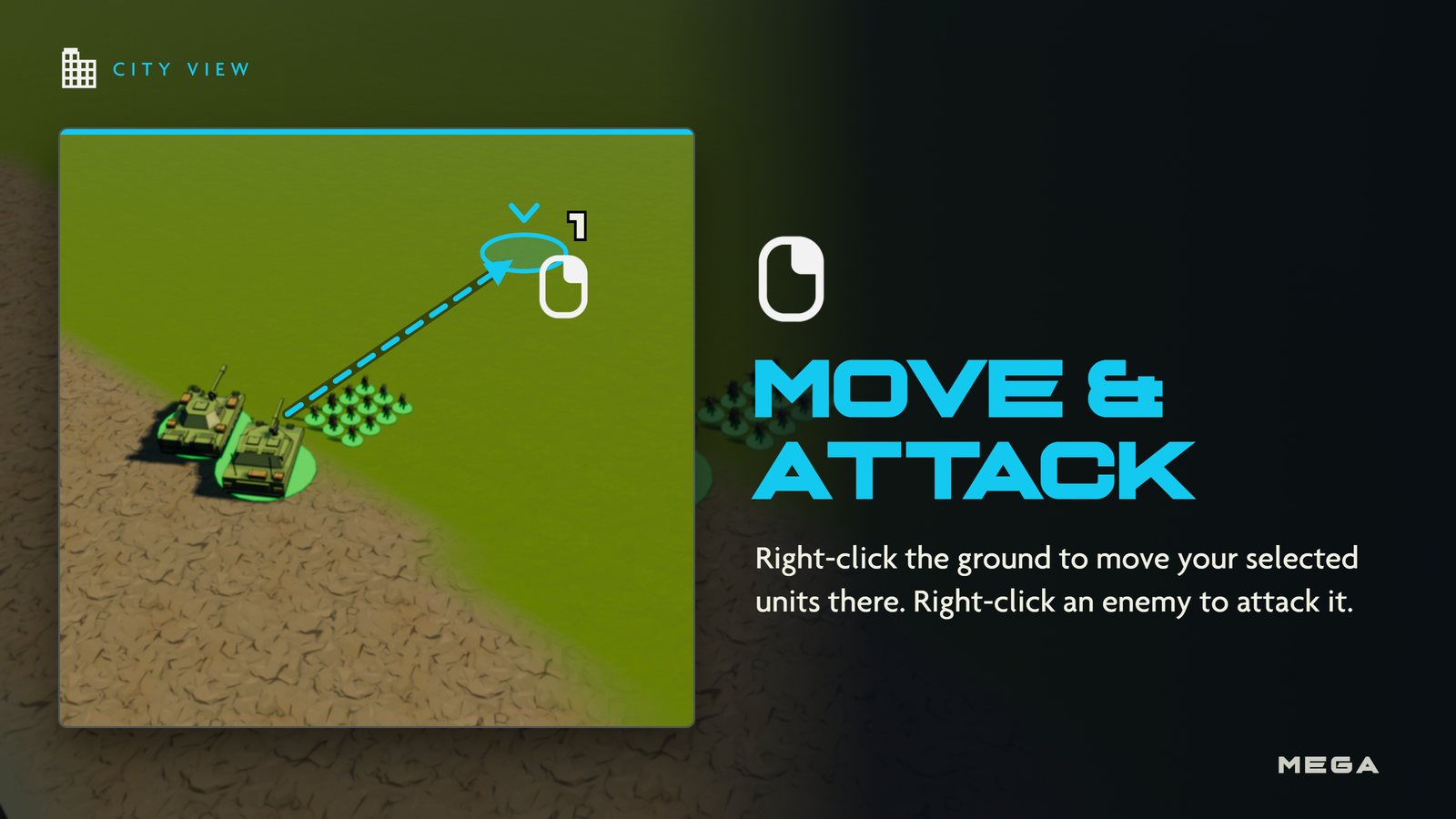
 - Move or attack:
 the ground to move there, or an enemy to attack it.
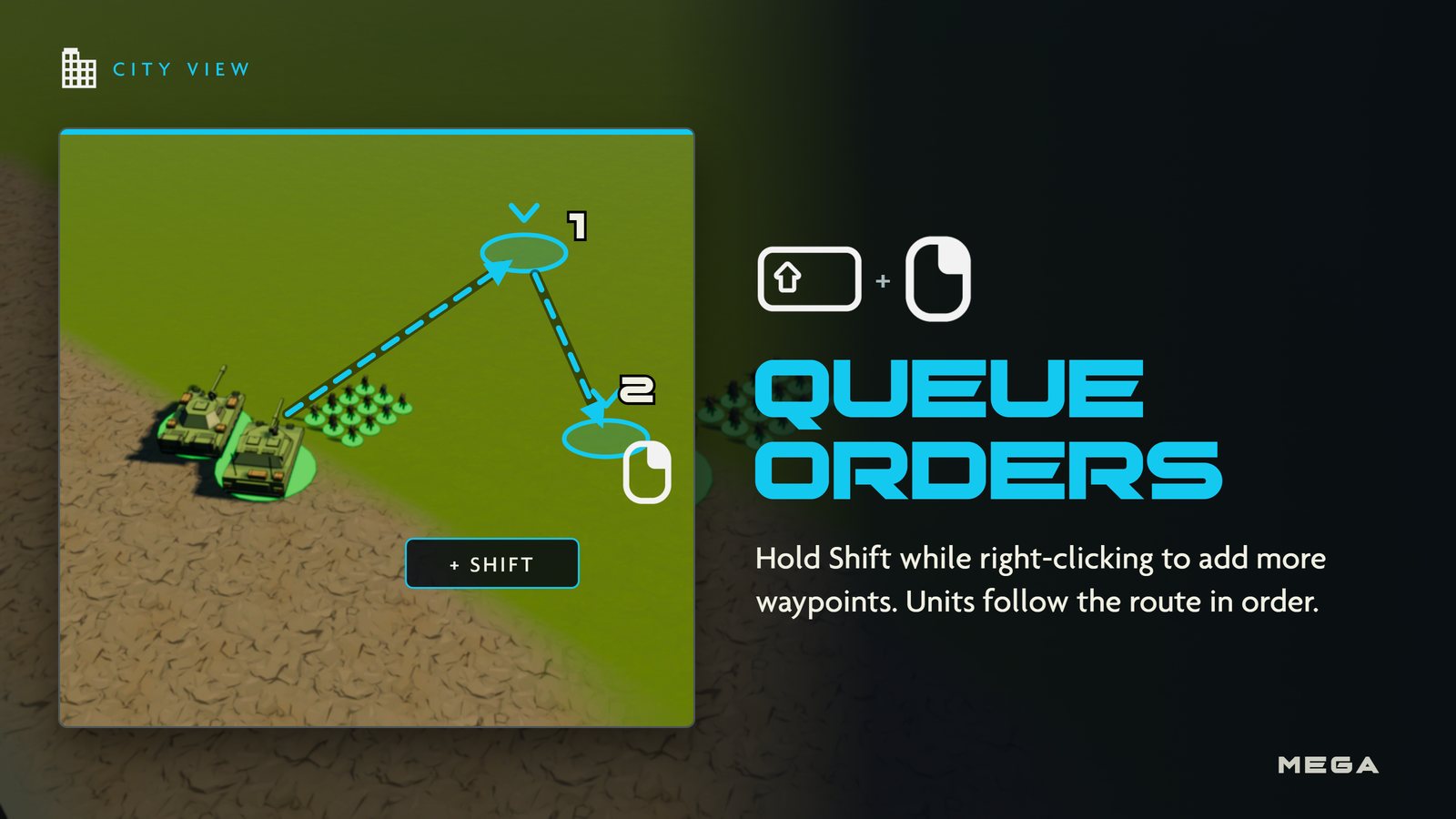
 - Queue: hold while right-clicking to chain waypoints into a route.
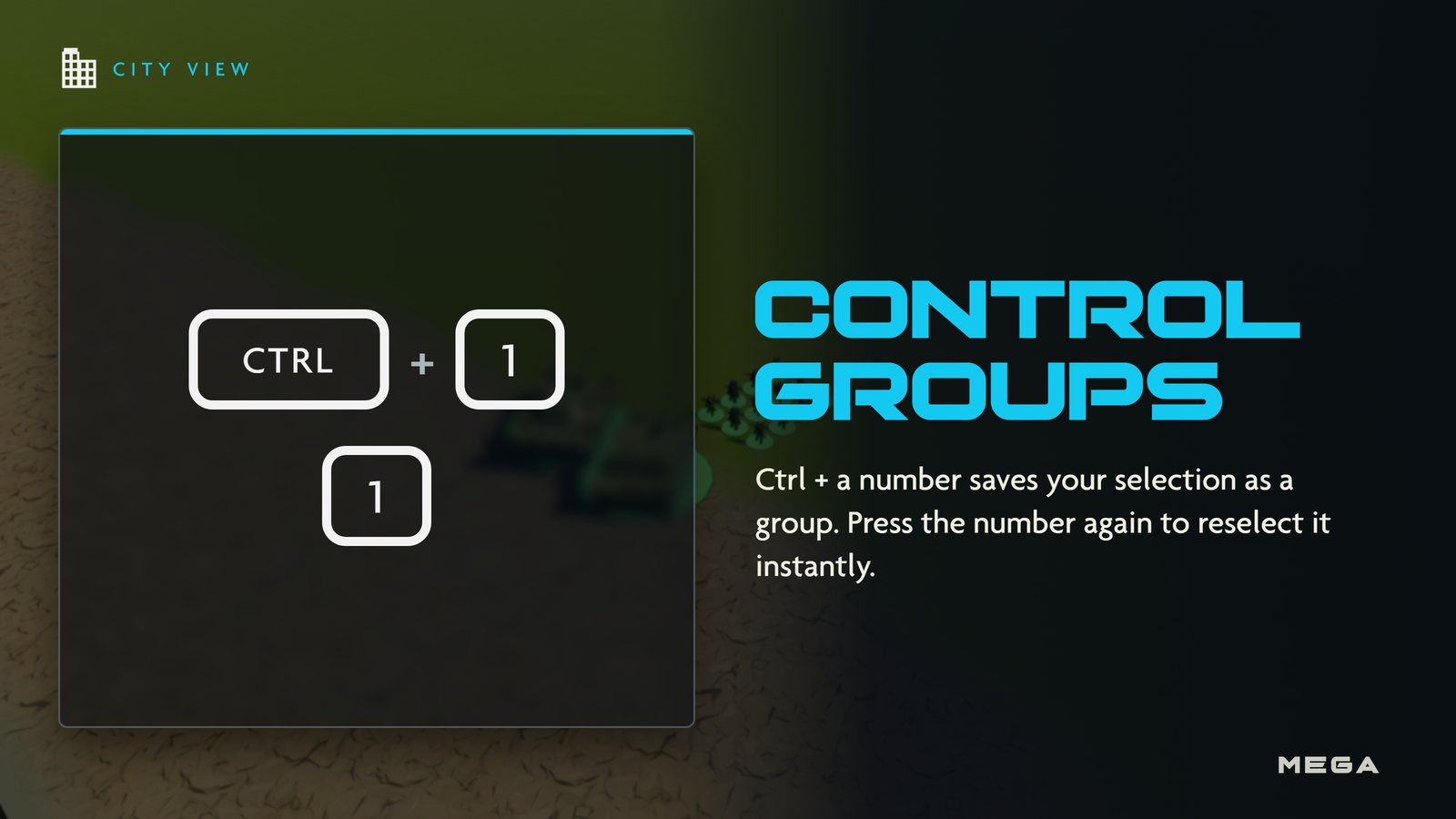
- Guard: combat troops guard your city by default. A manual order turns guarding off; press G to turn it back on. X stops your troops.
City defenses
- Defense Tower (130 gold): fires at hostile Titans within 110 m.
- Mobile Radar (120 gold): detects hostile Titans within 340 m and warns your citizens and defenders.