The Match
Multiplayer
Online Skirmish: 2 to 3 players, one city each.
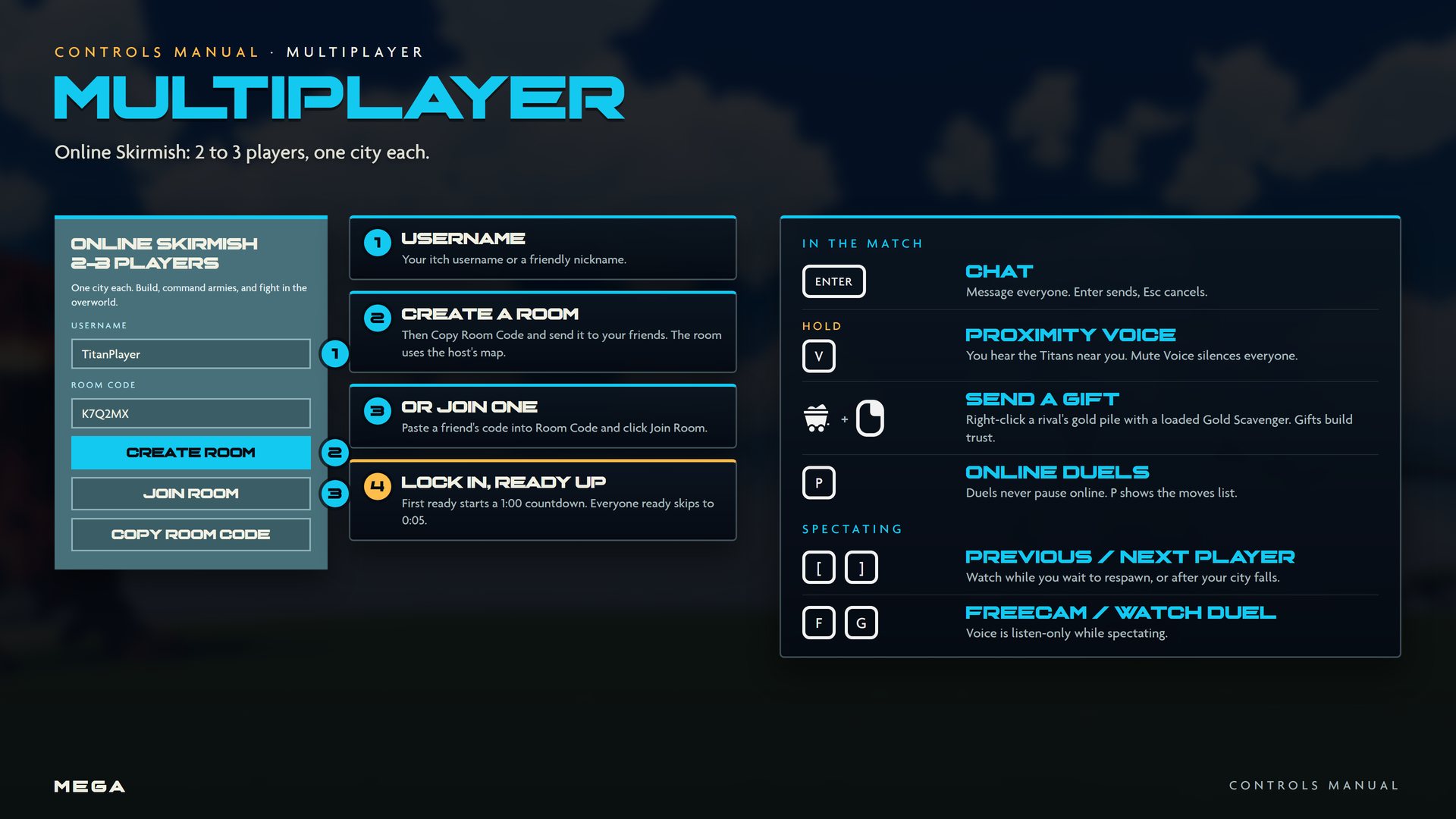
Getting into a match
- From Play, choose Multiplayer.
- Set your username: your itch username or a friendly nickname.
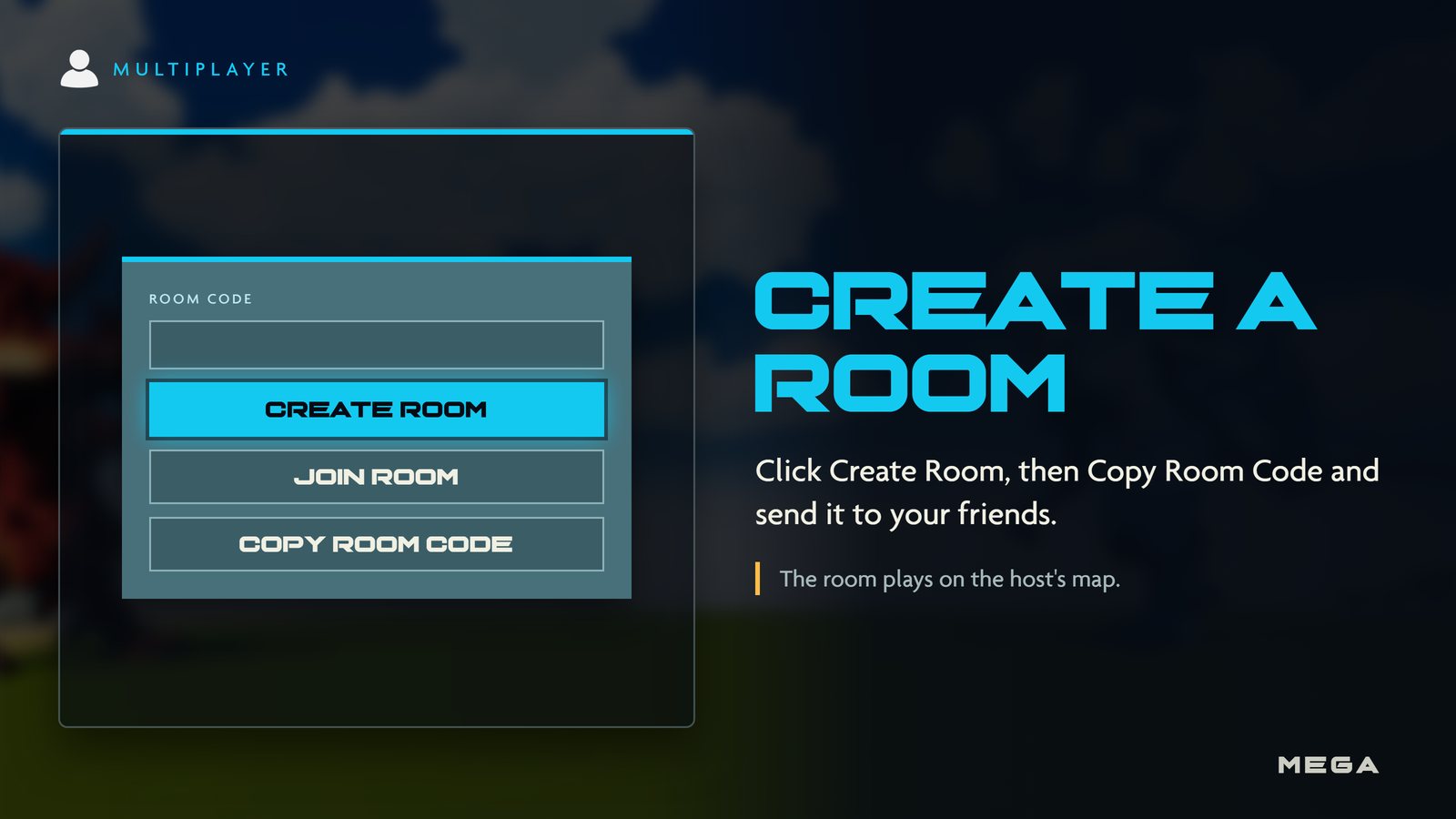
- Click Create Room, then Copy Room Code and send it to your friends. Or paste a friend's code into Room Code and click Join Room. The room uses the host's map.
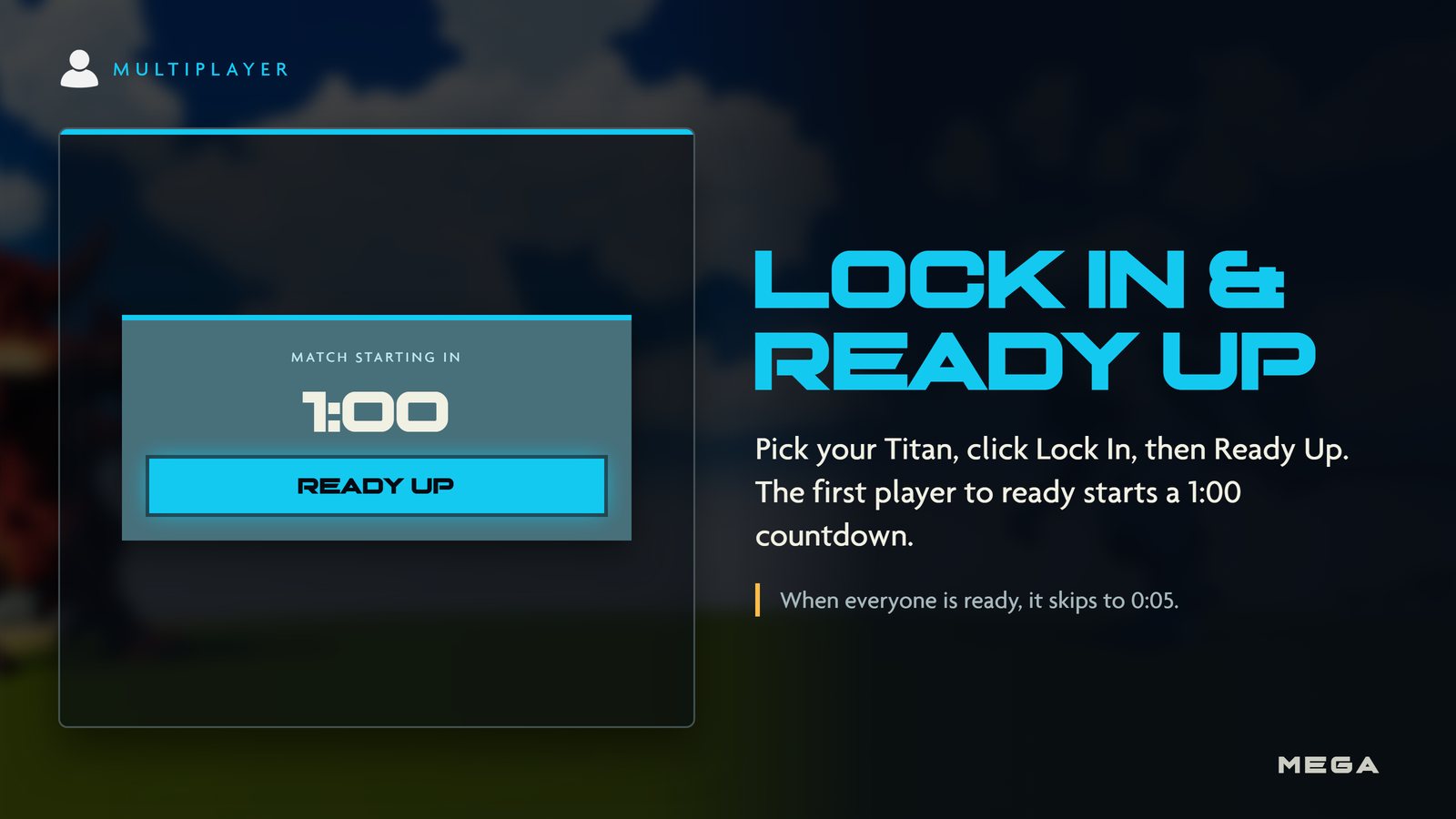
- Pick your Titan, click Lock In, then Ready Up. The first player to ready starts a 1:00 countdown; when everyone is ready it skips to 0:05.
Chat and voice
- ENTER opens chat for everyone. Enter sends, Esc cancels. Chat is filtered, so keep it friendly.
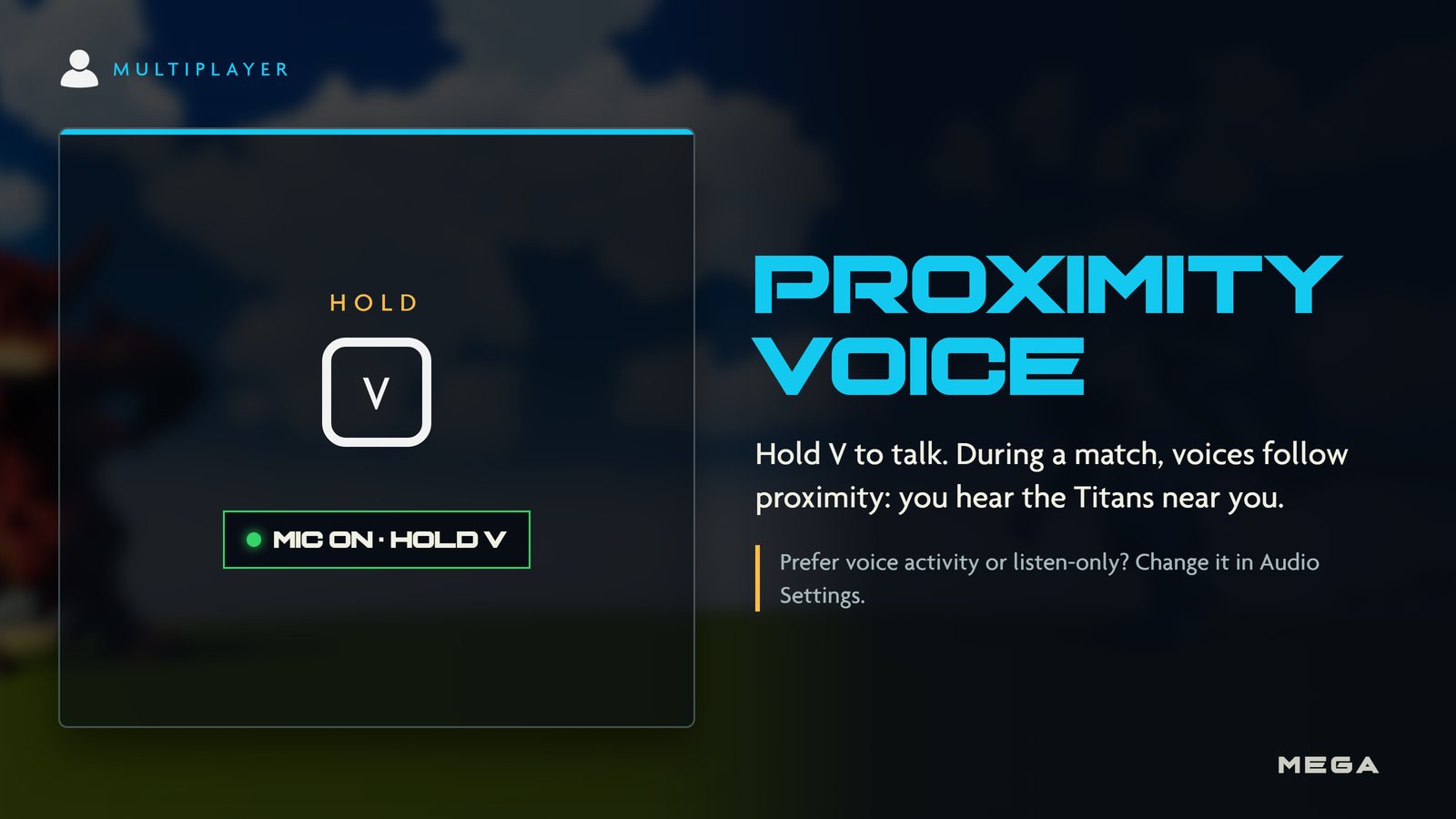
- Hold V to talk. During a match, voice follows proximity: you hear the Titans near you.
- Mute Voice silences everyone, or you can mute one player. Change your voice mode (push to talk, voice activity or mic off) in Audio Settings.
Spectating
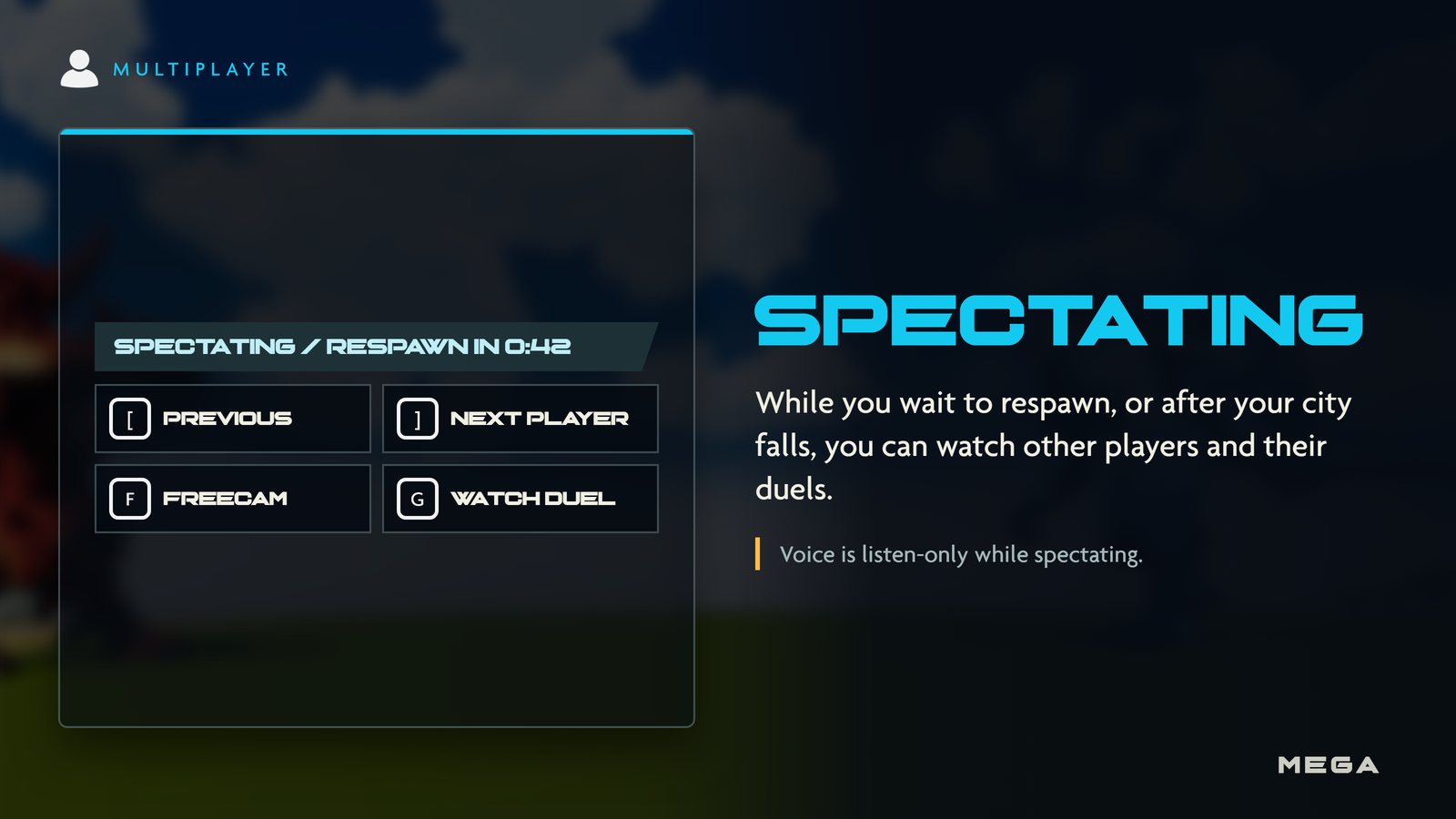
While you wait to respawn, or after your city falls, you can watch the match. Voice is listen-only while spectating.
| Input | Action |
|---|---|
| [ | Previous player |
| ] | Next player |
 | Freecam |
| G | Watch a duel |