Basics
Getting Started
Everything you need for your first match.
Play the tutorial
The first time you open Play, the game offers a tutorial. It walks you through building, training units, exploring, a rival duel and wrecking a city. You can skip it and replay it from Play at any time.
Pick your Titan
- Choose Single Player or Multiplayer.
- Cycle the Titans with the arrows or A / D. Each one has its own stats and Special. See Titans.
- Optional: click Customize to change colors and cosmetics.
- Open Game Settings to choose the AI difficulty (Easy, Normal or Hard), the starting shield and other options.
- Click Lock In, then Start Game.
Your first few minutes
Every city starts empty with 12 citizens and 600 gold, behind a starting shield that gives you time to build.
- Build housing. Press
 for Build View and place a House. Housing raises your population limit, and more citizens means more income. See Citizens & Income.
 - Build defenses. Place a Barracks and a Military Shed, then train units from City View. See Military.
- Explore. Press
 for Siege View and take your Titan out. Wreck neutral villages and find gold.
 - Collect gold. Build a Gold Scavenger Station and send scavengers to pick up gold caches. See Gold & Scavengers.
- Go on the attack. Smash rival cities, win duels and level up your Titan.
TipHold TAB in Build or Siege View to free your mouse pointer. Then you can click HUD buttons and hover them for hints.
Reading the HUD
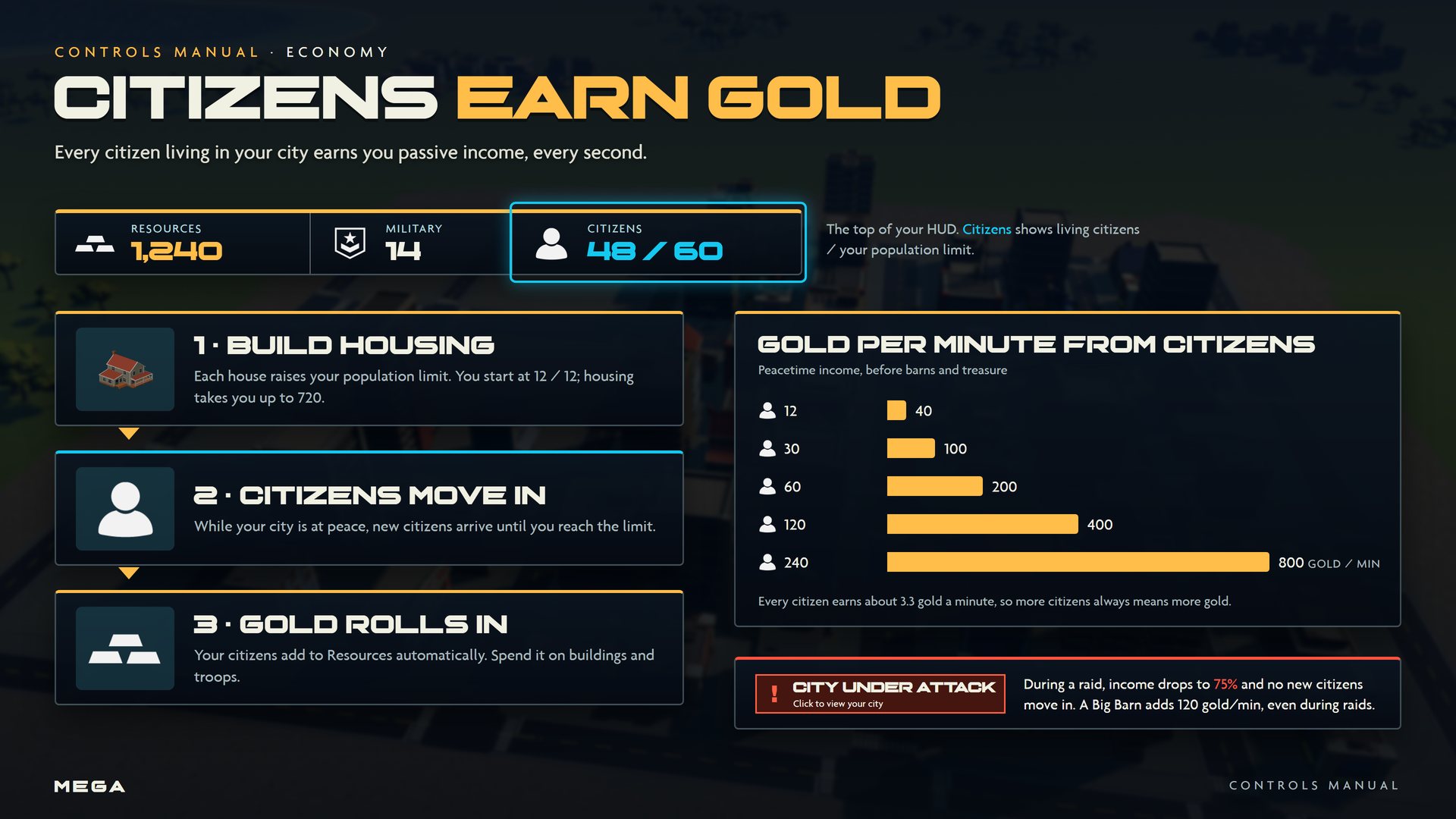
The bar at the top of the screen shows your Resources (gold), Military (living troops and vehicles) and Citizens (living citizens / population limit).