Build View
From the MEGA Wiki
Build View is where you place buildings. You walk around your city and place, rotate or break buildings. Press  to enter or leave it from any view.
Buildings have to go on clear ground inside your city wall, and your citizens do the construction.
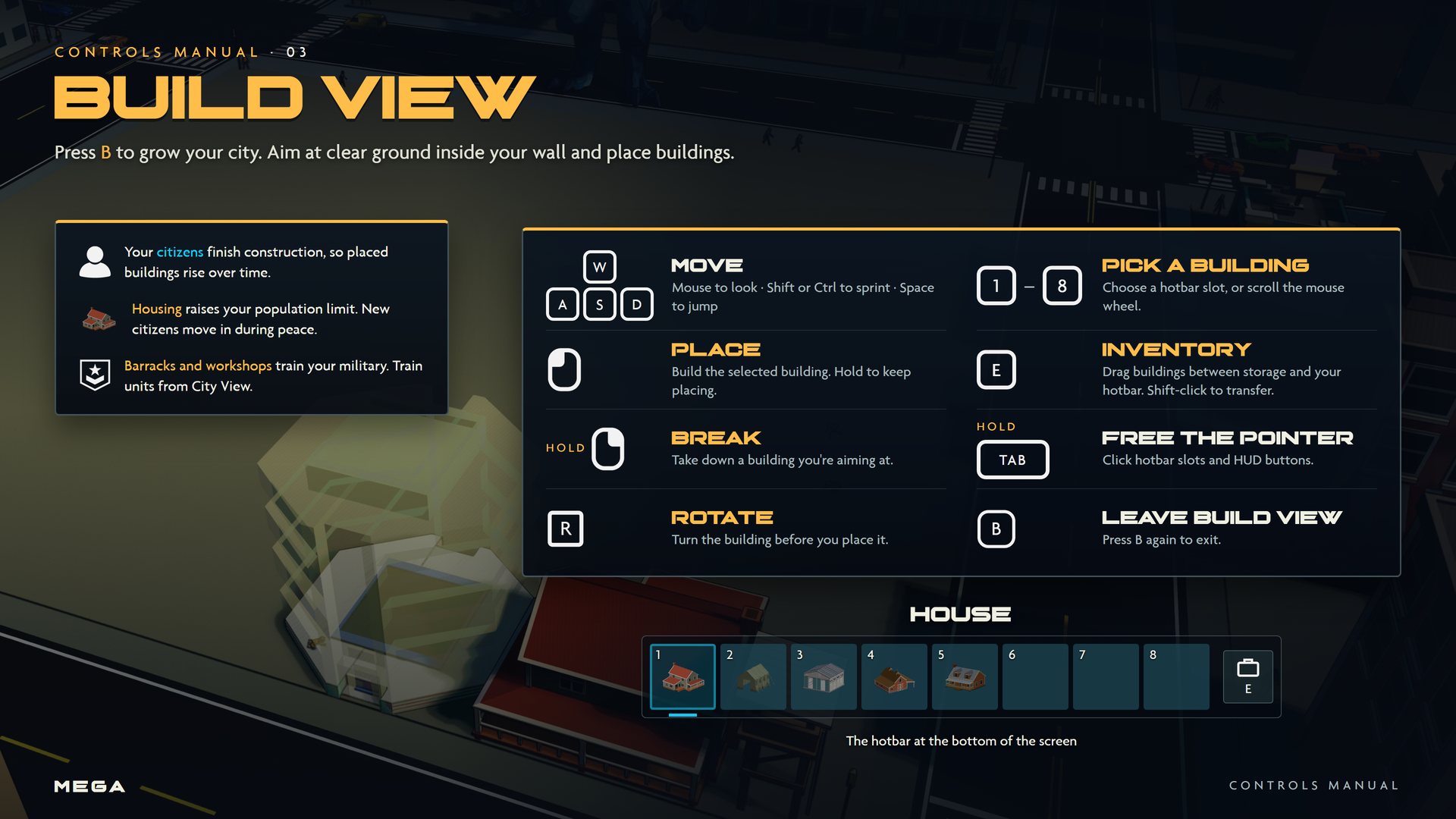
Controls
| Input | Action | What it does |
|---|---|---|
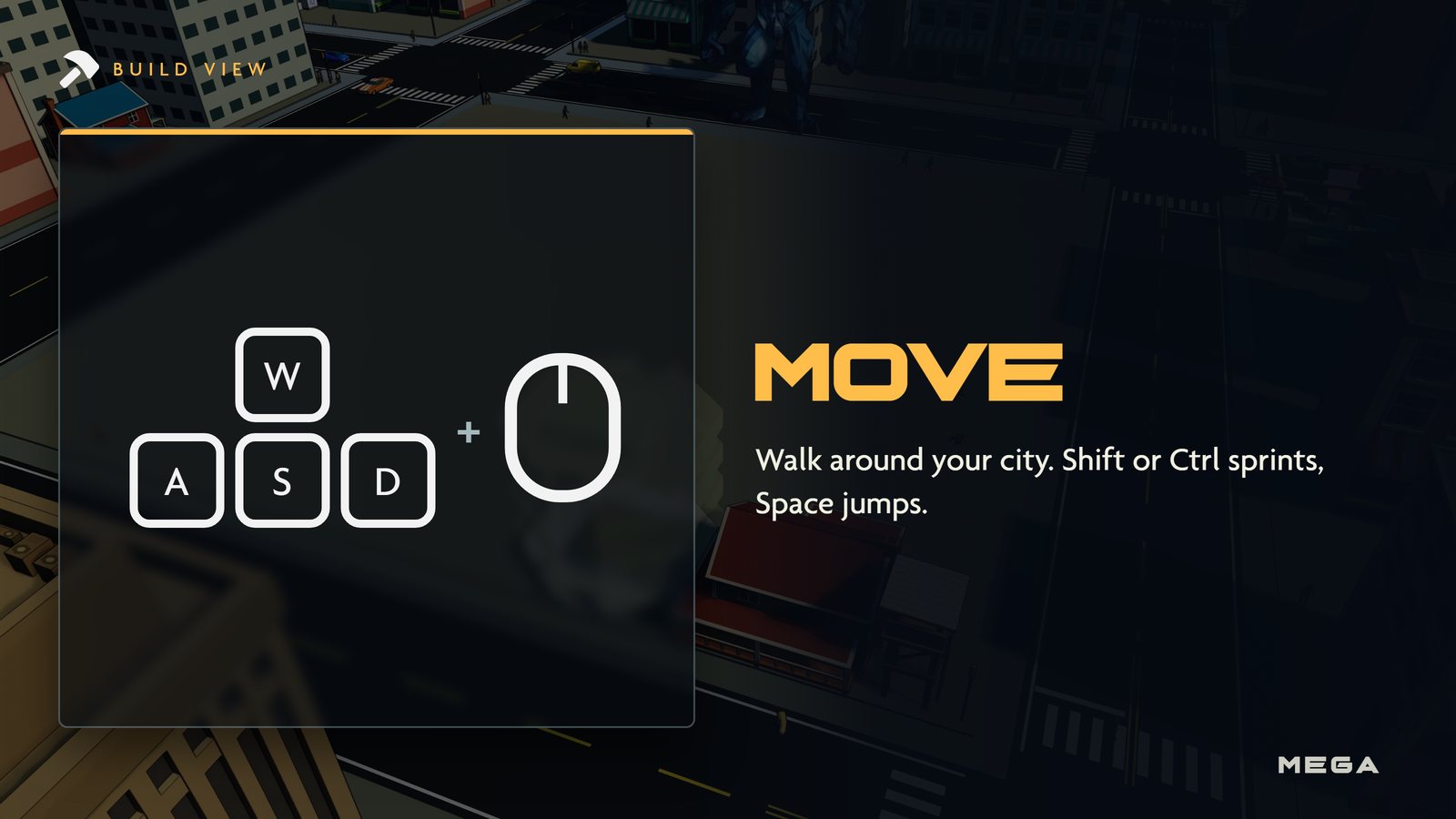
| WASD | Move | Mouse to look. Shift or Ctrl to sprint, Space to jump. |
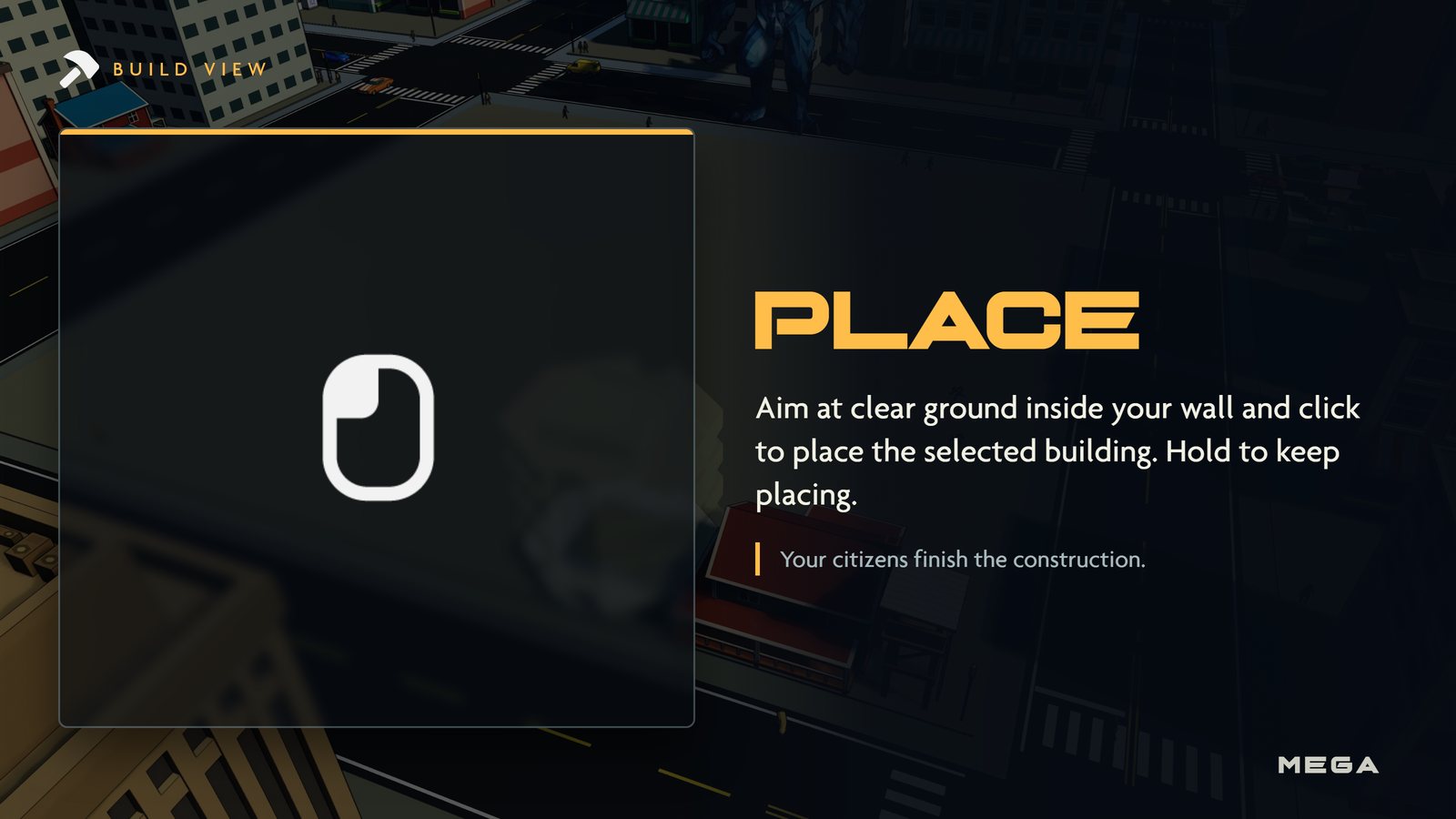
 | Place | Build the selected building. Hold to keep placing. |
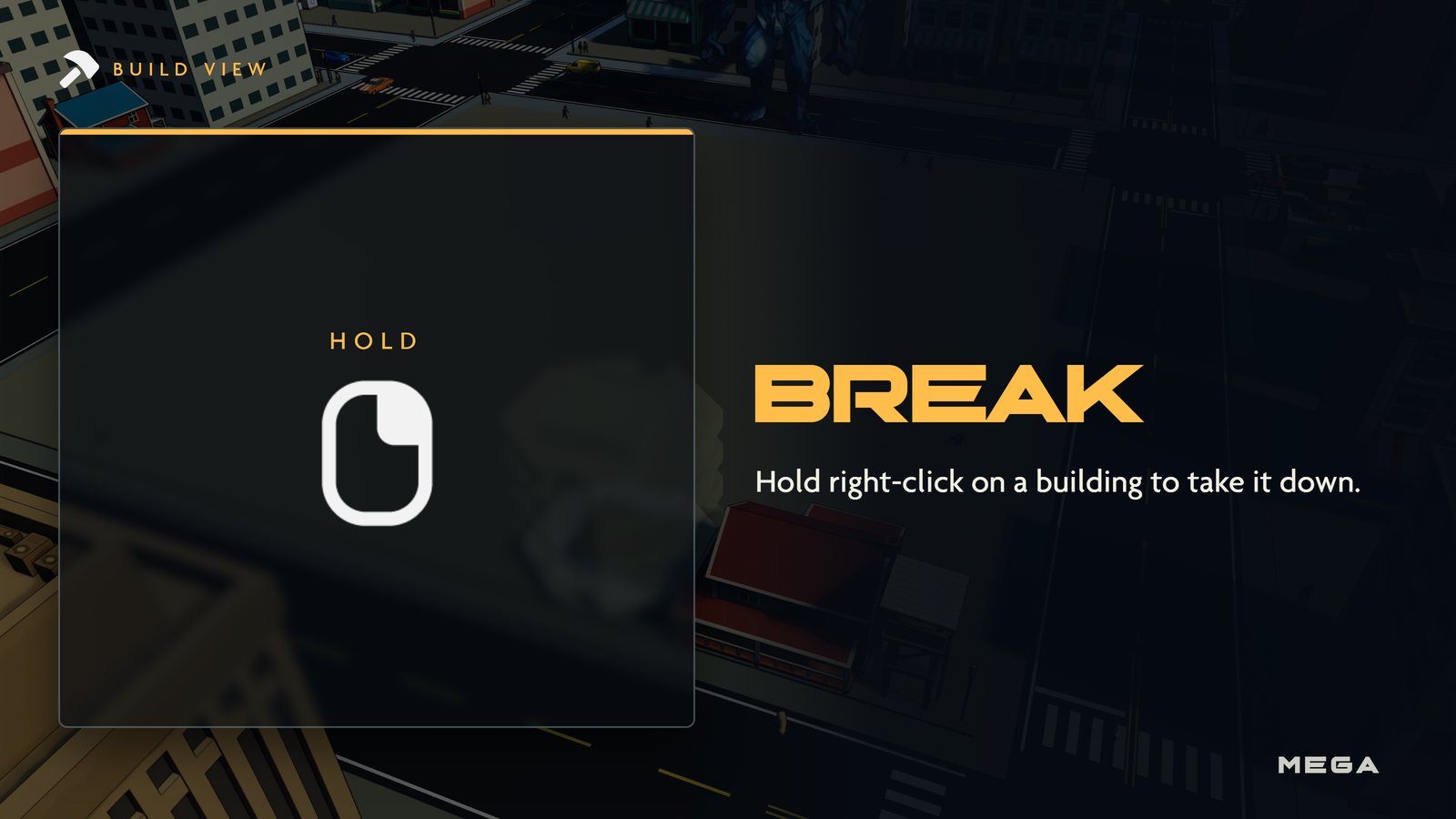
 | Break | Hold to take down a building you're aiming at. |
 | Rotate | Turn the building before placing it. |
| 1 / 8 | Pick a building | Choose a hotbar slot, or scroll the mouse wheel. |
| E | Inventory | Drag buildings between storage and your hotbar. Shift-click to transfer. |
Other views
| View | Key | Camera |
|---|---|---|
 City View City View |  | Overhead |
 Siege View Siege View | | Third person |
 Build View Build View | | On foot |
You can also click the view switch in the bottom-right corner of the HUD. It shows your current view and the and keys. See Views.
Picture guide
Gameplay
| Basics |  Getting started · Getting started ·  Views · Controls Views · Controls |
|---|---|
| Views | City View · Siege View · Build View |
| Your city |  Citizens · Citizens ·  Gold · Gold cache · Gold · Gold cache ·  Raids · Buildings · Raids · Buildings ·  Military Military |
| Your Titan | Titans · Moves ·  Duels · Duels ·  Leveling Leveling |
| The match |  Winning · Nuke · Winning · Nuke ·  Multiplayer · Spectating · Chat and voice · Customization · Achievements Multiplayer · Spectating · Chat and voice · Customization · Achievements |