Siege View
From the MEGA Wiki
Siege View puts you in direct control of your Titan, in third person. It's the view for exploring the map and for fighting. Press  to switch between Siege View and City View.
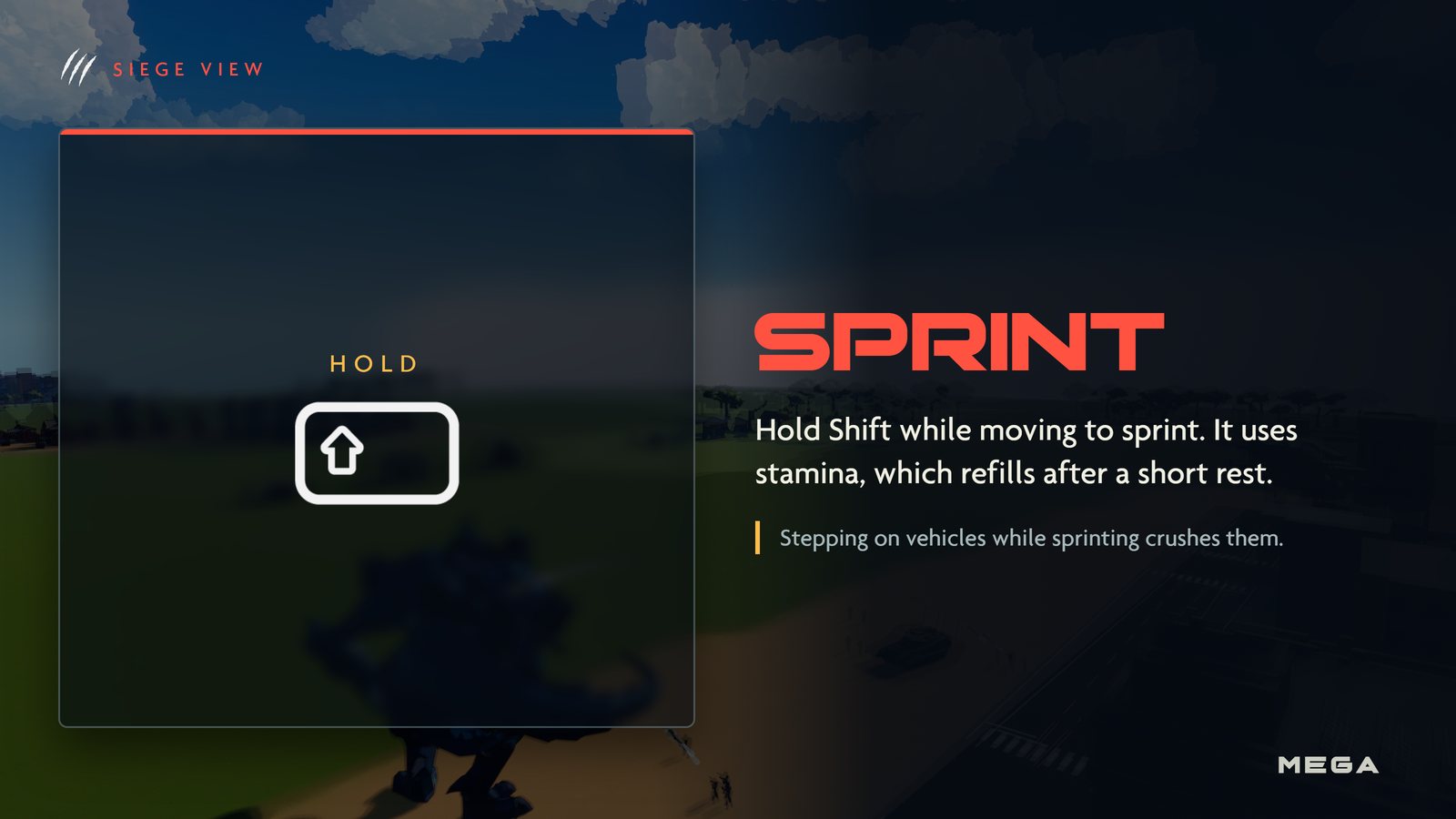
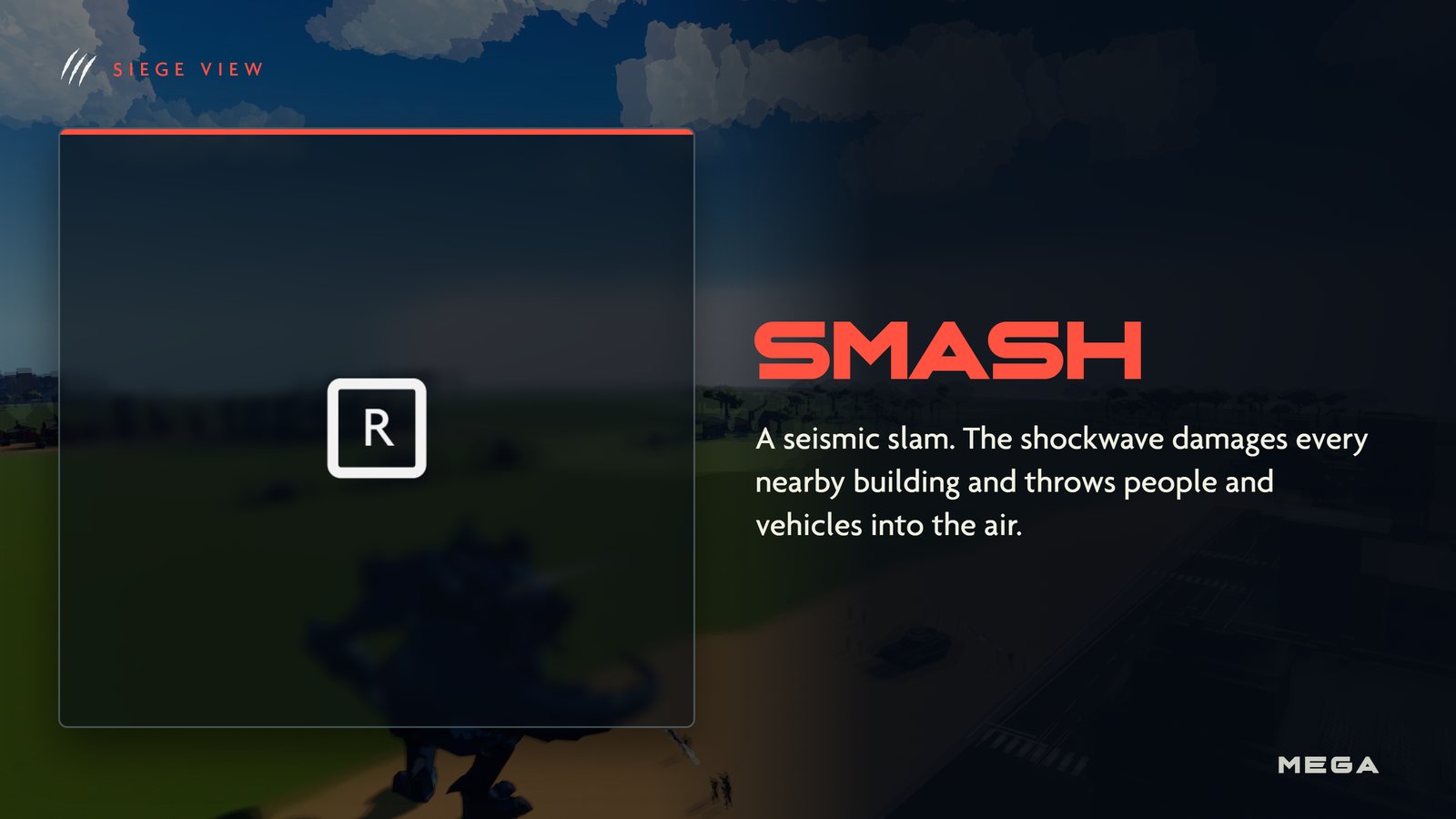
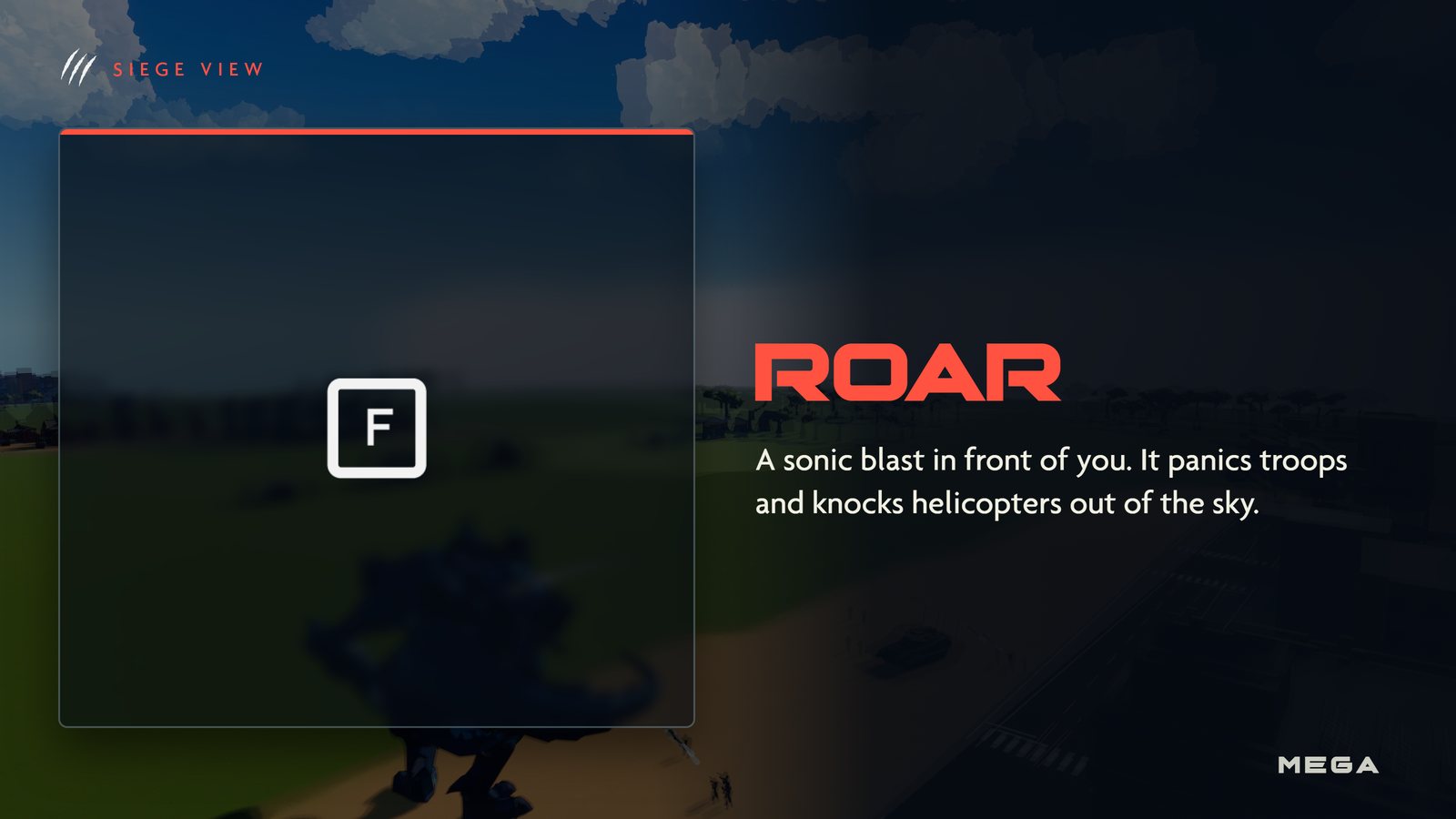
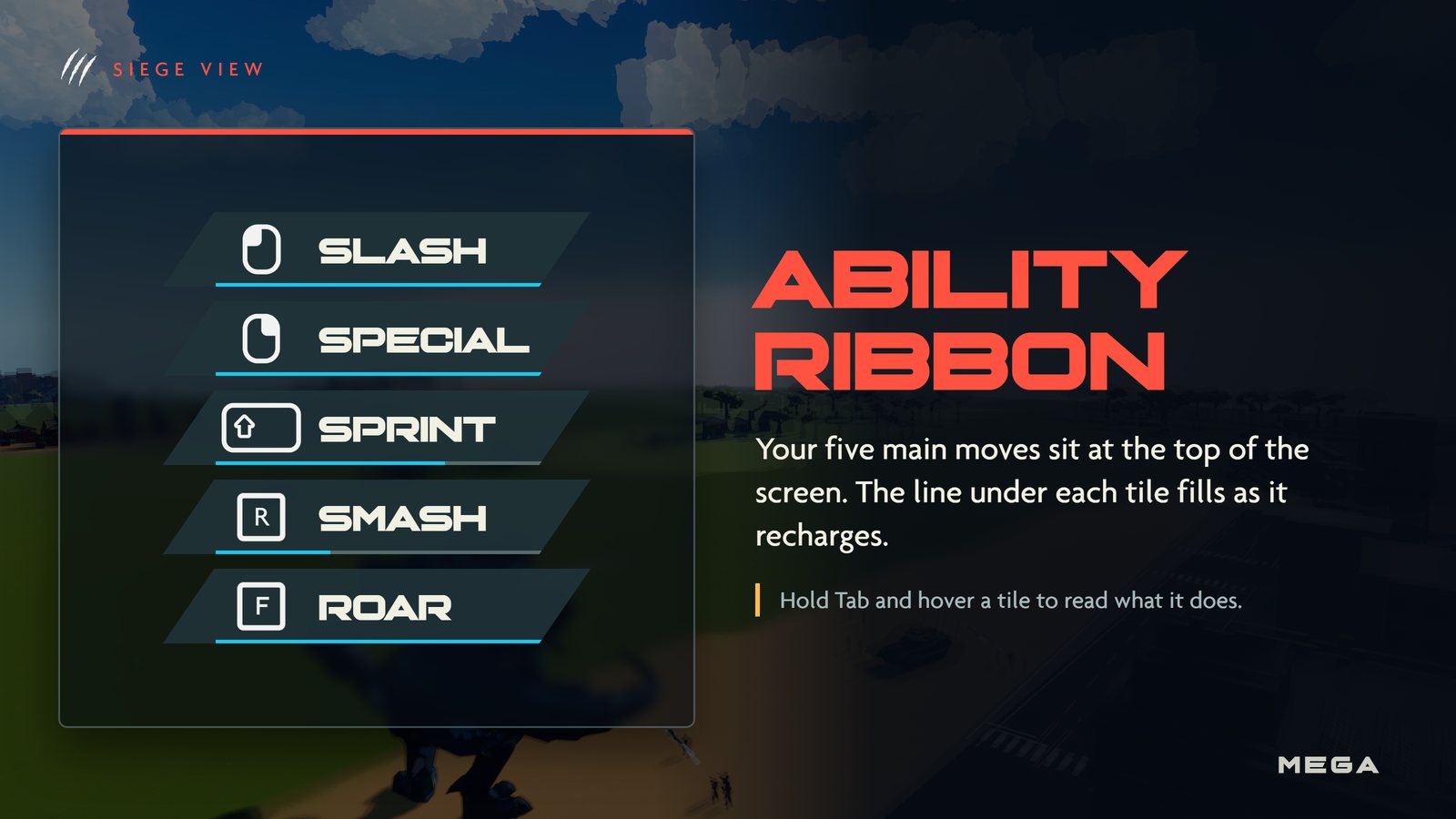
Your five moves sit in the ability ribbon at the top of the screen: Slash, Special, Sprint, Smash and Roar.
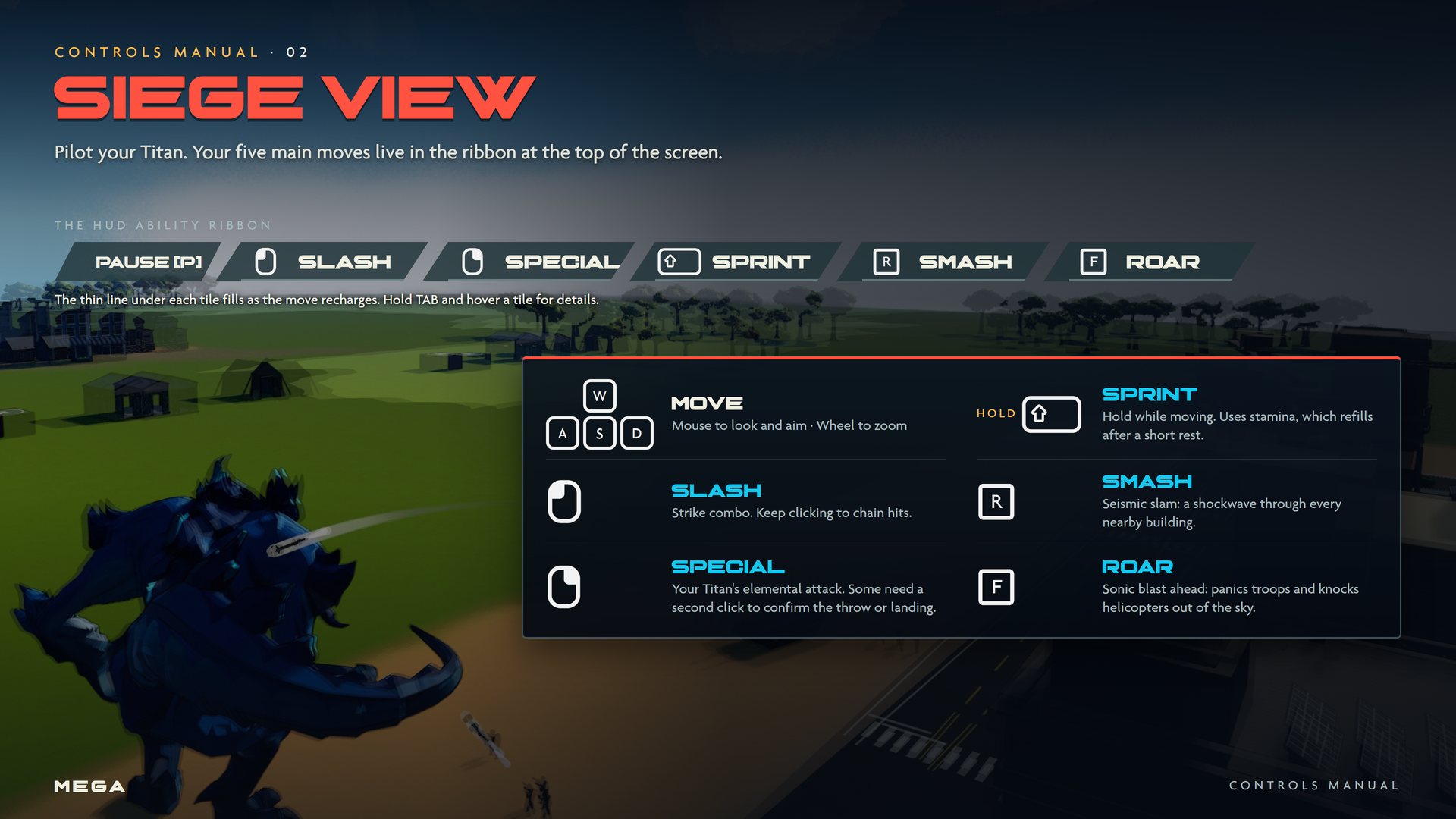
Controls
| Input | Action | What it does |
|---|---|---|
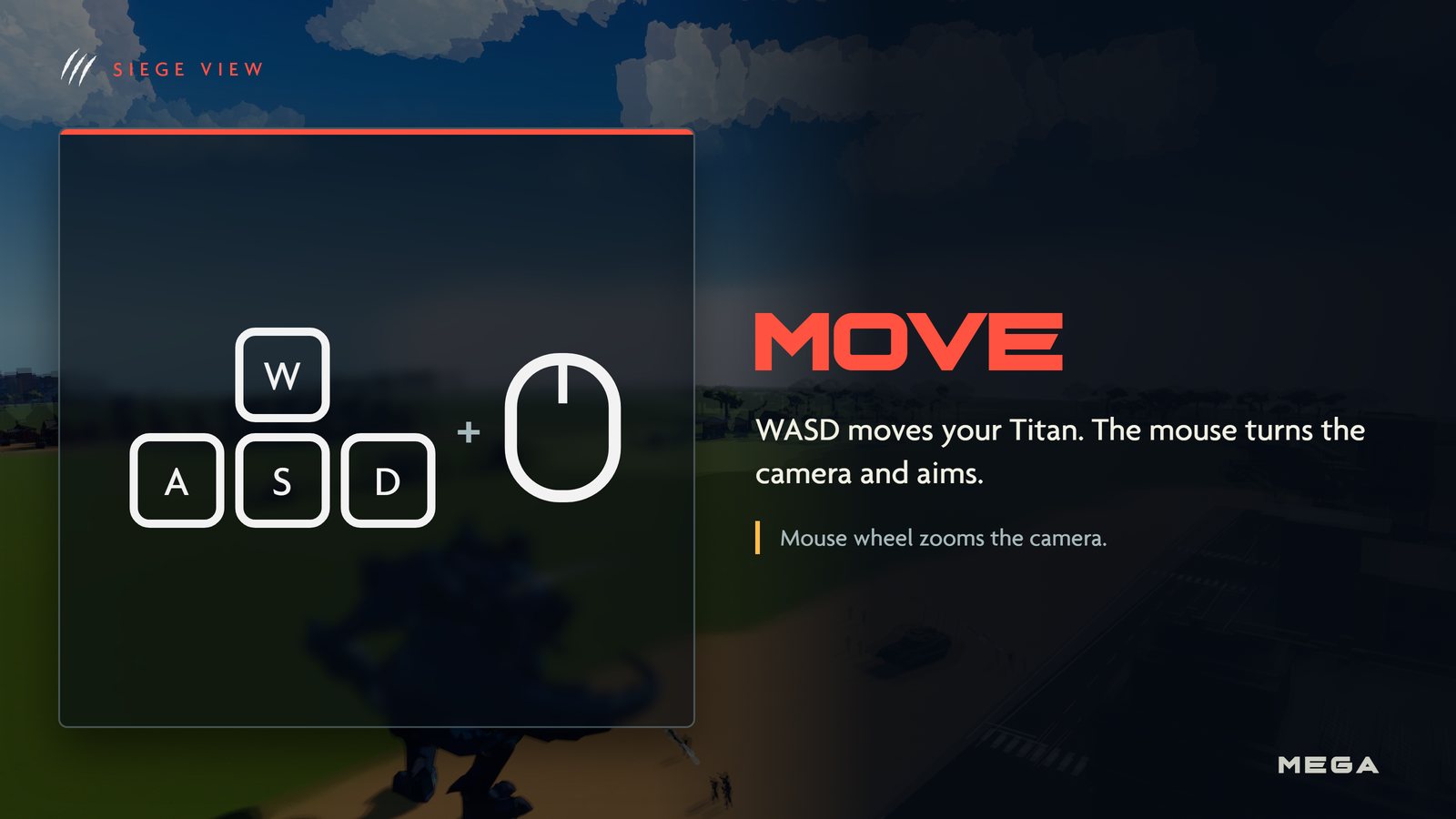
| WASD | Move | Mouse turns the camera and aims. Wheel zooms. |
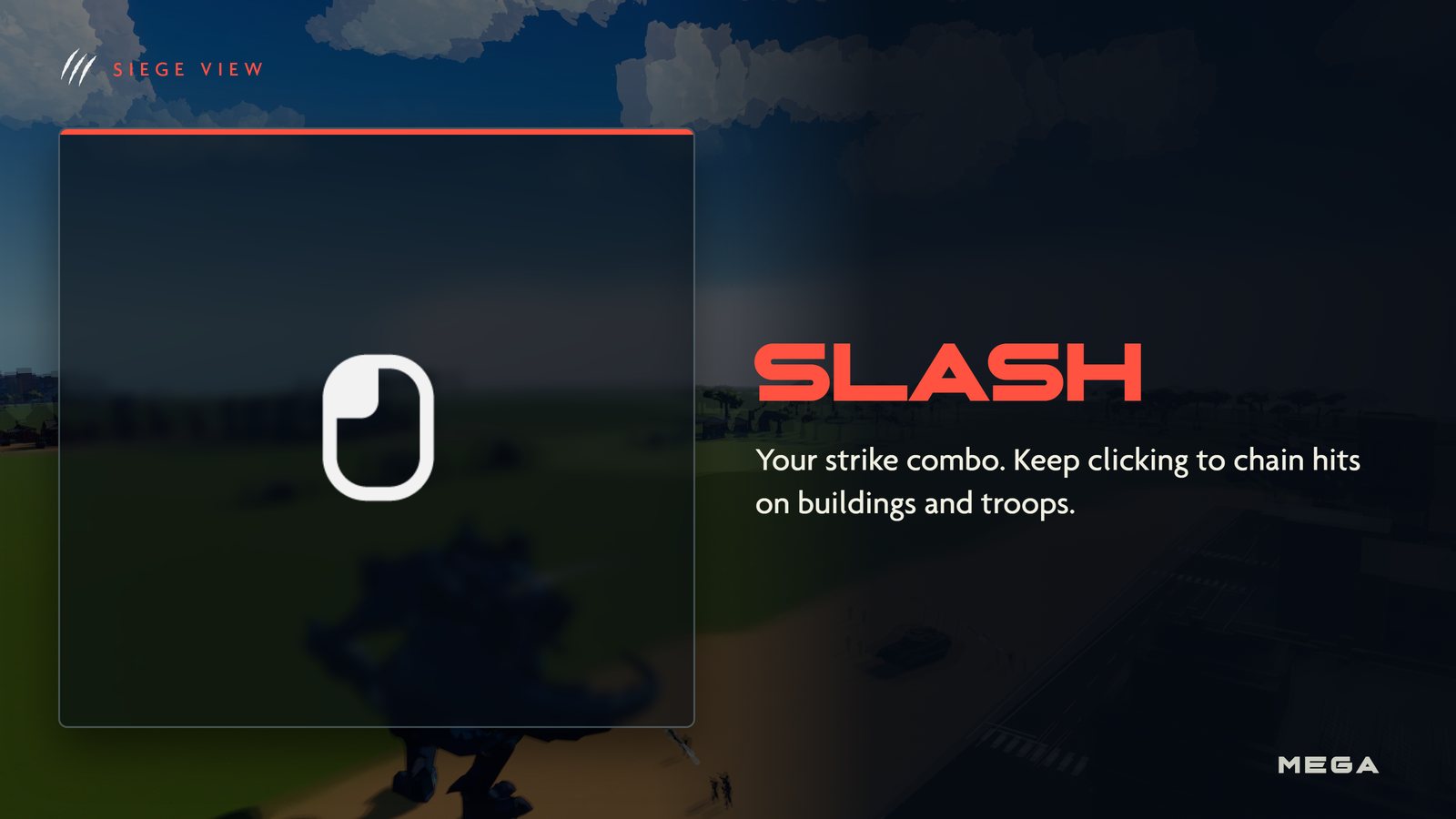
 | Slash | Strike combo. Keep clicking to chain hits. |
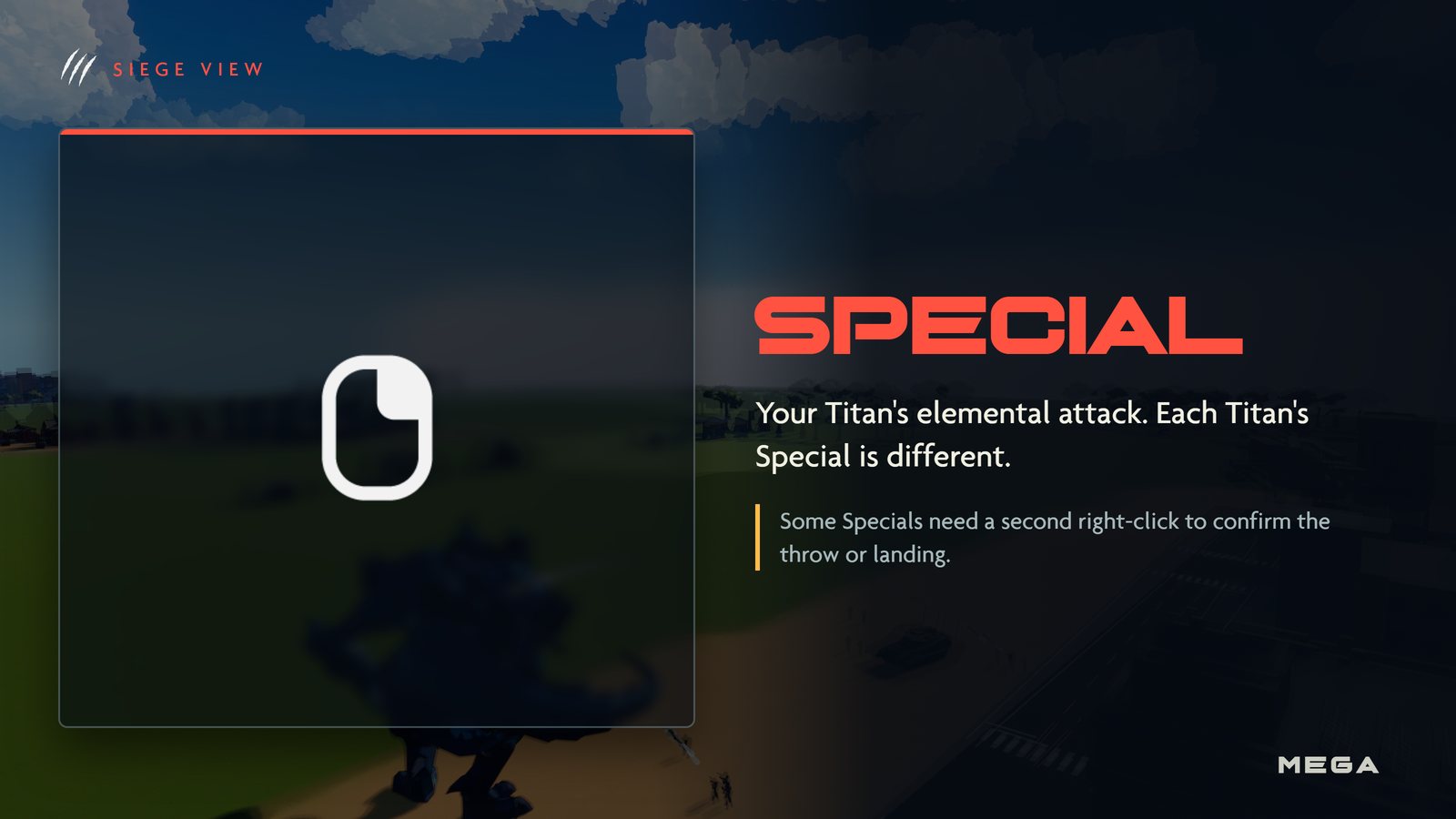
 | Special | Your Titan's elemental attack. Some need a second click to confirm. |
 | Sprint | Hold while moving. Uses stamina. Stepping on vehicles crushes them. |
 | Smash | Seismic slam: a shockwave through every nearby building. |
 | Roar | Sonic blast ahead: panics troops and knocks helicopters out of the sky. |
Other views
| View | Key | Camera |
|---|---|---|
 City View City View | | Overhead |
 Siege View Siege View | | Third person |
 Build View Build View |  | On foot |
You can also click the view switch in the bottom-right corner of the HUD. It shows your current view and the and keys. See Views.
Picture guide
Gameplay
| Basics |  Getting started · Getting started ·  Views · Controls Views · Controls |
|---|---|
| Views | City View · Siege View · Build View |
| Your city |  Citizens · Citizens ·  Gold · Gold cache · Gold · Gold cache ·  Raids · Buildings · Raids · Buildings ·  Military Military |
| Your Titan | Titans · Moves ·  Duels · Duels ·  Leveling Leveling |
| The match |  Winning · Nuke · Winning · Nuke ·  Multiplayer · Spectating · Chat and voice · Customization · Achievements Multiplayer · Spectating · Chat and voice · Customization · Achievements |