City View
From the MEGA Wiki
City View is the overhead view of your city, used for commanding. From here you train units, move your military, shelter citizens and send  Gold Scavengers out for treasure. Press
  to switch between City View and Siege View.
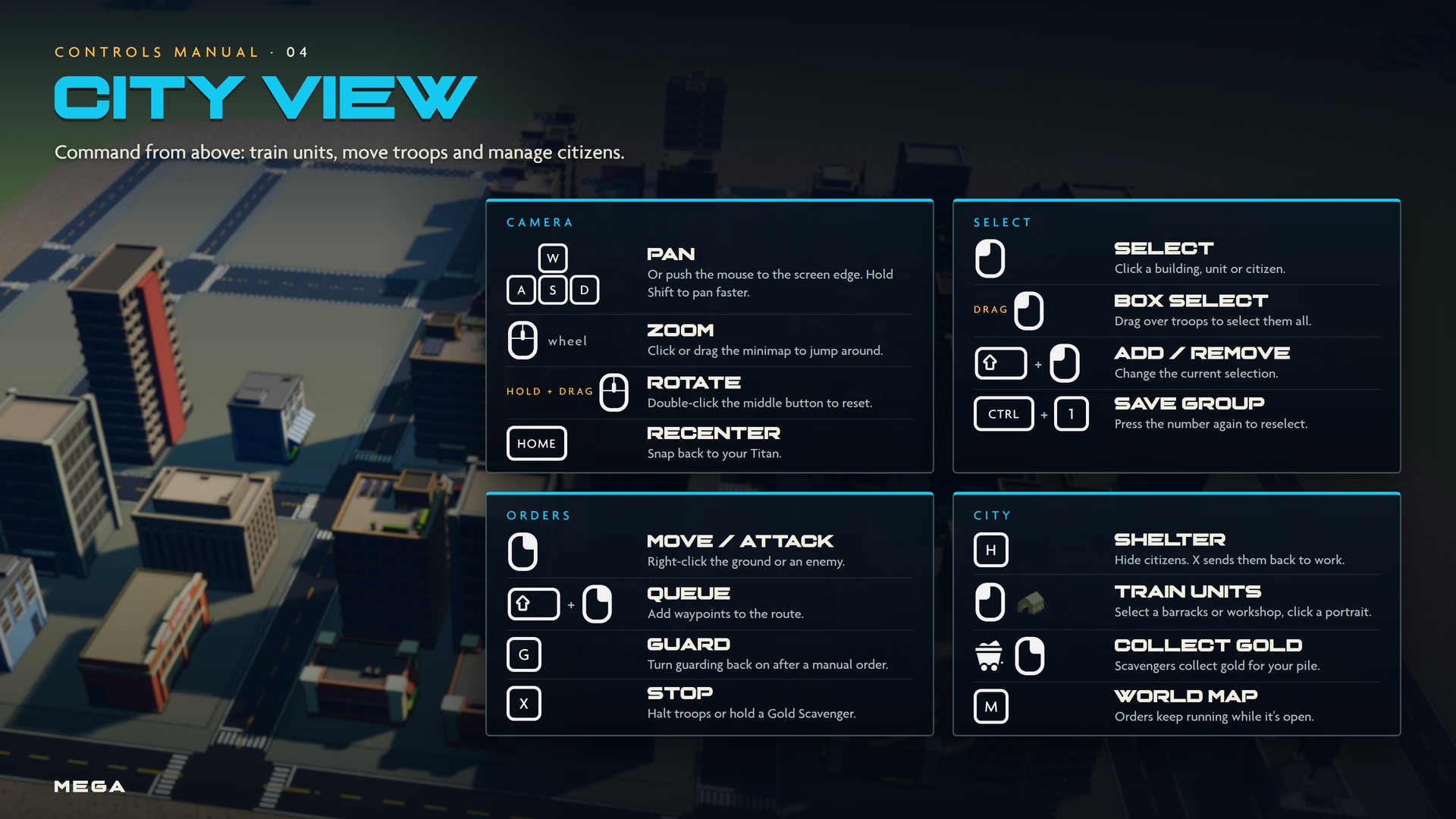
Controls
| Input | Action | What it does |
|---|---|---|
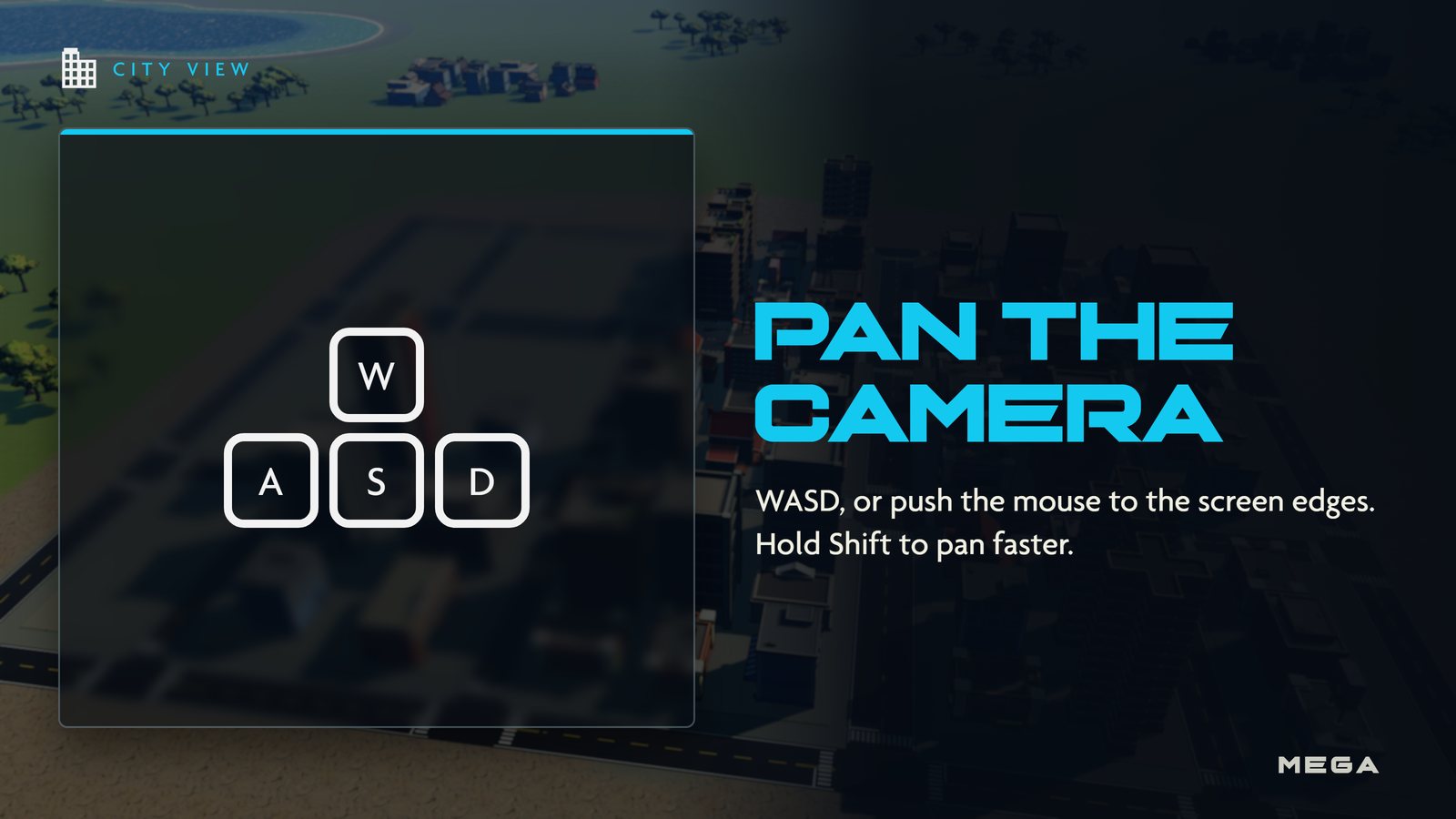
| WASD | Pan | Or push the mouse to the screen edge. Hold Shift to pan faster. |
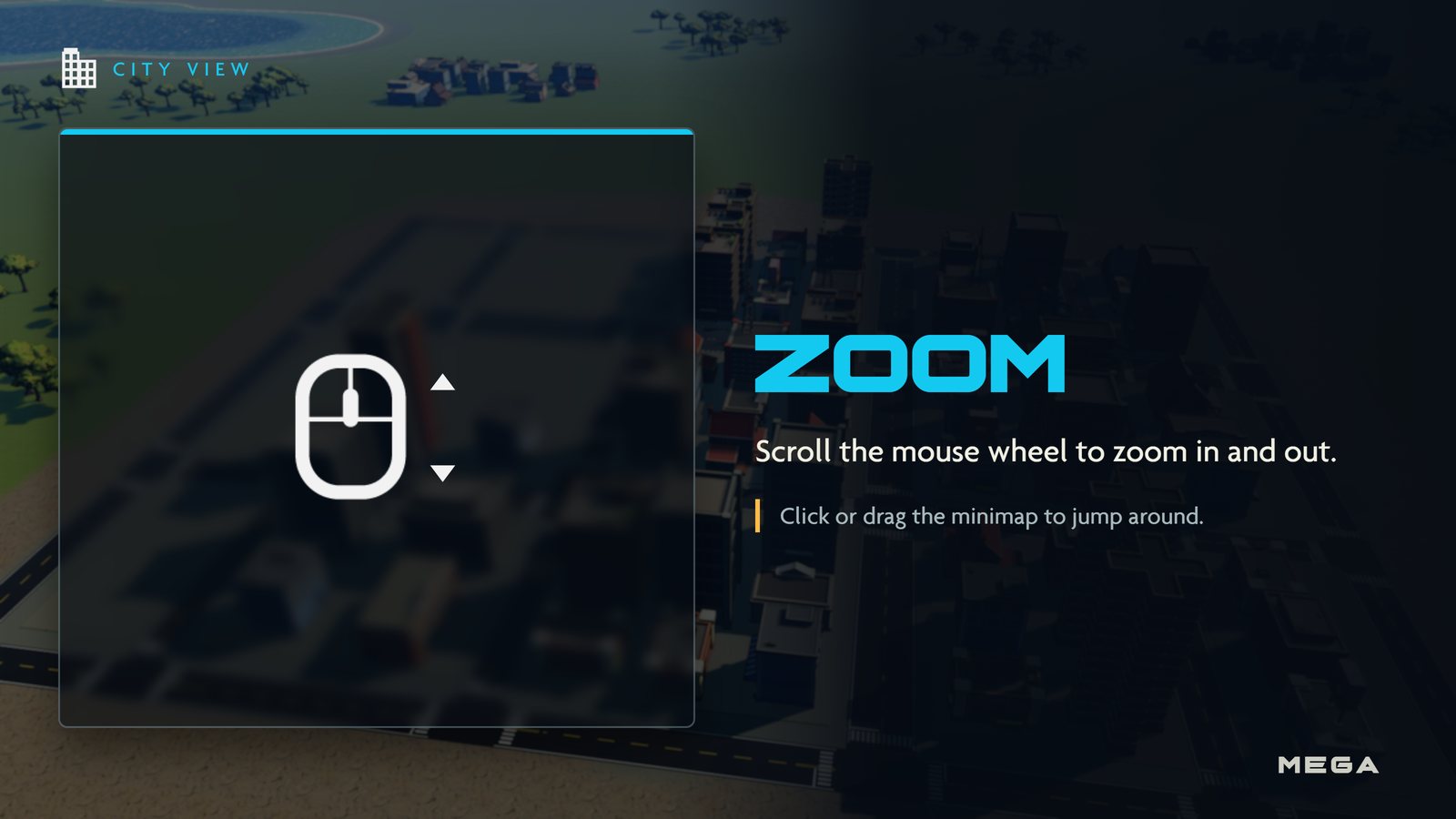
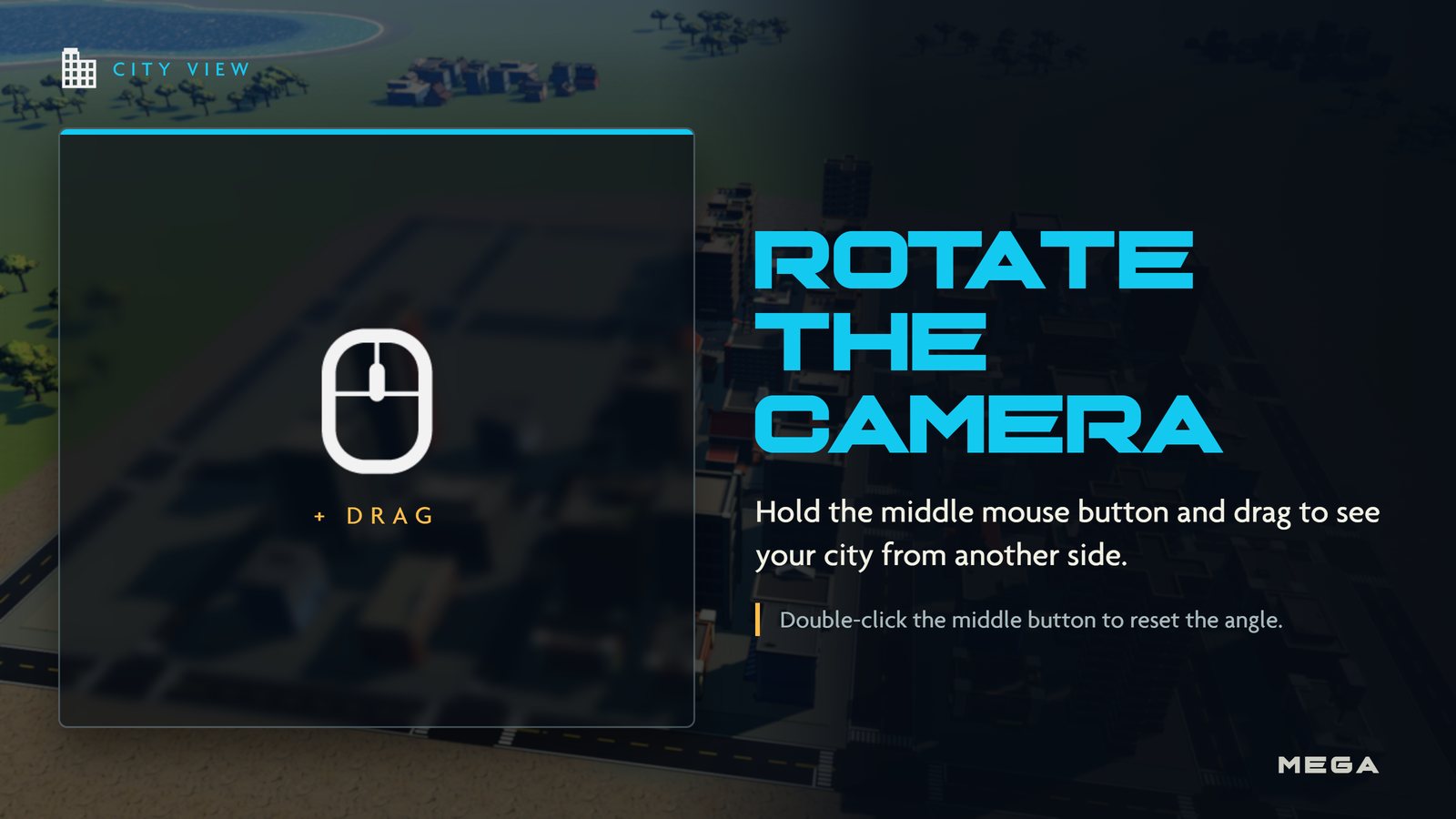
 | Rotate camera | Hold and drag. Double-click to reset the angle. Wheel zooms. |
| HOME | Recenter | Snap the camera back to your Titan. |
 | Select | Click a building, unit or citizen. Drag a box to select troops. |
 + + | Add / remove | Change the current selection. |
 | Move / attack | Right-click the ground to move, an enemy to attack. |
| + | Queue | Add waypoints to a route. |
| G | Guard | Turn guarding back on after a manual order. |
| X | Stop | Halt troops, hold a Gold Scavenger or let citizens resume work. |
| H | Shelter | Send citizens into shelters. |
| CTRL + 1 | Save group | Press the number again to reselect the group. |
Other views
| View | Key | Camera |
|---|---|---|
 City View City View | | Overhead |
 Siege View Siege View | | Third person |
 Build View Build View |  | On foot |
You can also click the view switch in the bottom-right corner of the HUD. It shows your current view and the and keys. See Views.
Picture guide
Gameplay
| Basics |  Getting started · Getting started ·  Views · Controls Views · Controls |
|---|---|
| Views | City View · Siege View · Build View |
| Your city |  Citizens · Citizens ·  Gold · Gold cache · Gold · Gold cache ·  Raids · Buildings · Raids · Buildings ·  Military Military |
| Your Titan | Titans ·  Moves · Moves ·  Duels · Duels ·  Leveling Leveling |
| The match |  Winning · Nuke · Winning · Nuke ·  Multiplayer · Spectating · Chat and voice · Customization · Achievements Multiplayer · Spectating · Chat and voice · Customization · Achievements |